The 10-Day Cybersecurity Awareness Month Campaign Kit for 2026

October is creeping closer, which means it is almost time for everyone's favorite annual event.
Nope, we're not talking about Halloween.
Cybersecurity Awareness Month is nearly here!
Every October, businesses have an opportunity to get employees talking about cybersecurity. Unfortunately, good intentions can quickly go sideways, turning four weeks into reminder emails, rushed training, and calendar invitations nobody remembers accepting. By the middle of the month, employees have tuned out, and the person running the campaign is wondering why they volunteered.
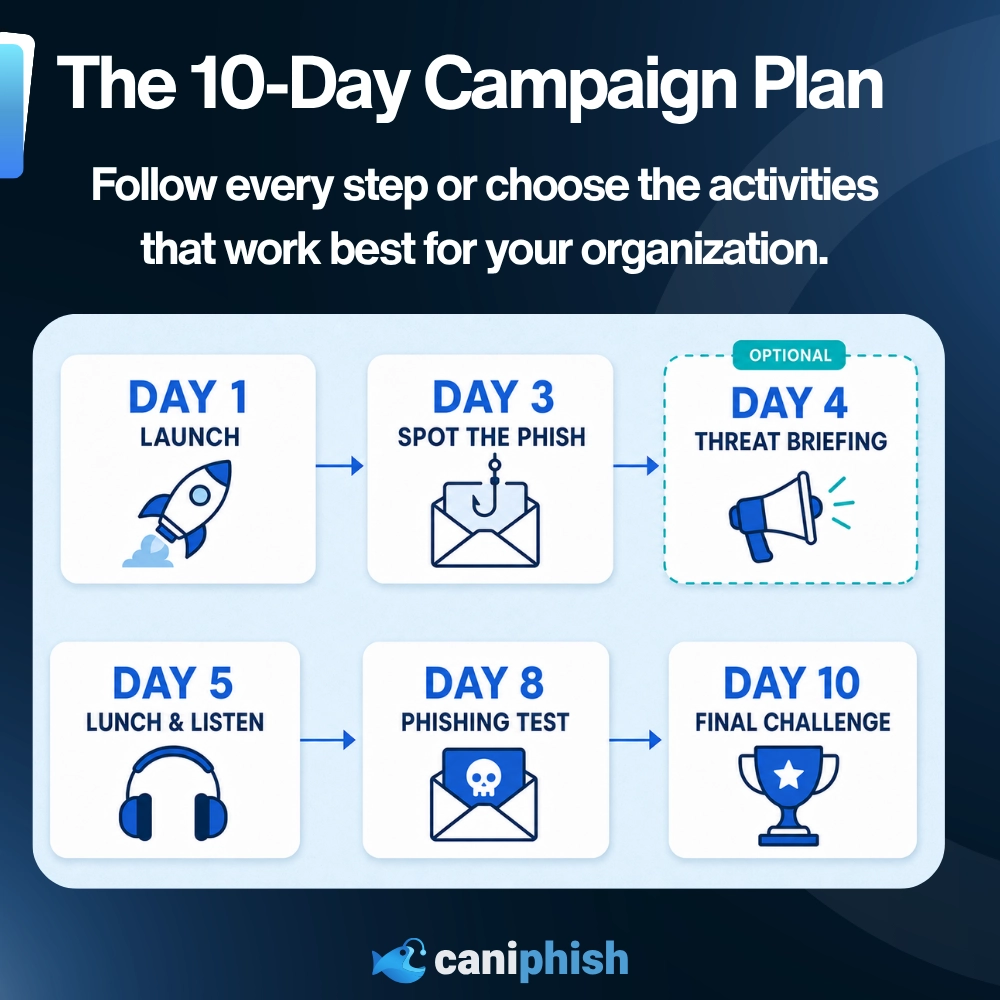
That is why we have created a focused 10-day campaign with five main activities.
In this blog, we'll give you everything you need to run the campaign, including a complete schedule, ready-to-use employee messages, posters, quizzes, and guidance for running a phishing simulation. You can follow the full plan or choose the activities that work best for your organization.
Let's dive in.
What Is Cybersecurity Awareness Month?
Cybersecurity Awareness Month encourages people and businesses to improve how they recognize and respond to online threats.
It focuses on practical habits such as spotting phishing, protecting accounts, and reporting suspicious activity. The goal isn't to turn every employee into a cybersecurity expert. It is to help them make safer decisions at the workplace and at home.
Why Run A 10-Day Cybersecurity Awareness Campaign?
Cybersecurity Awareness Month does not need to become a cybersecurity endurance test.
A focused 10-day campaign keeps the momentum without overloading anyone. Five activities spread across those 10 days provide enough variety to make the campaign useful, memorable, and enjoyable while still leaving employees time to do their actual jobs.
Before You Begin
Before Day 1, choose your campaign dates, find someone to coordinate the activities, and confirm how employees should report suspicious emails, messages, and calls. Figure out a way to get senior staff and managers involved and decide whether there'll be prizes available.
If you want to measure improvement, record any existing quiz, training or simulation results before the campaign begins.
Most of the posters, wallpapers, quizzes, games and planning tools used throughout this campaign are publicly available through CanIPhish. Assigning employee training, running phishing simulations and tracking results require a free CanIPhish account. The free plan supports up to 10 employees, with no credit card, trial period or sales call required.
If you need help building the wider program, the CanIPhish Security Awareness Training Program Generator can create a plan based on your organization's size, risks and training goals.
Once those details are sorted, it is time to launch the campaign.
Day 1: Launch The Campaign
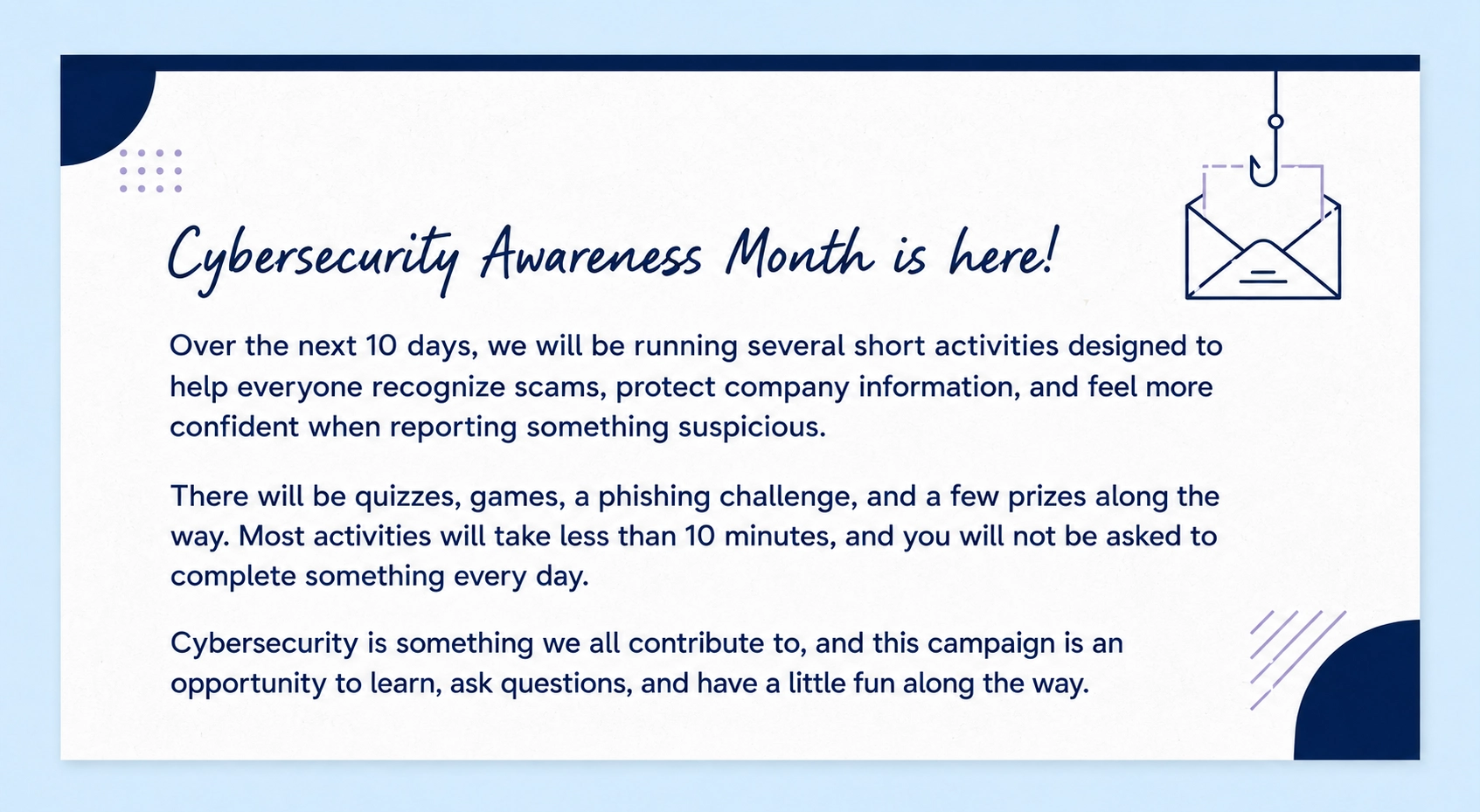
Start with a short message from management explaining why the organization is taking part and what employees can expect.
Keep the message friendly. This is not a warning that everyone is about to be marched into a cybersecurity boot camp for monitoring.
You can display the free Cybersecurity Awareness Month poster around the workplace and apply the matching desktop wallpaper to employee devices, shared workstations, and meeting-room screens.
Campaign Launch Message
Day 3: Spot The Phish Challenge
It is time to find out who can spot a suspicious email before curiosity gets the better of them.
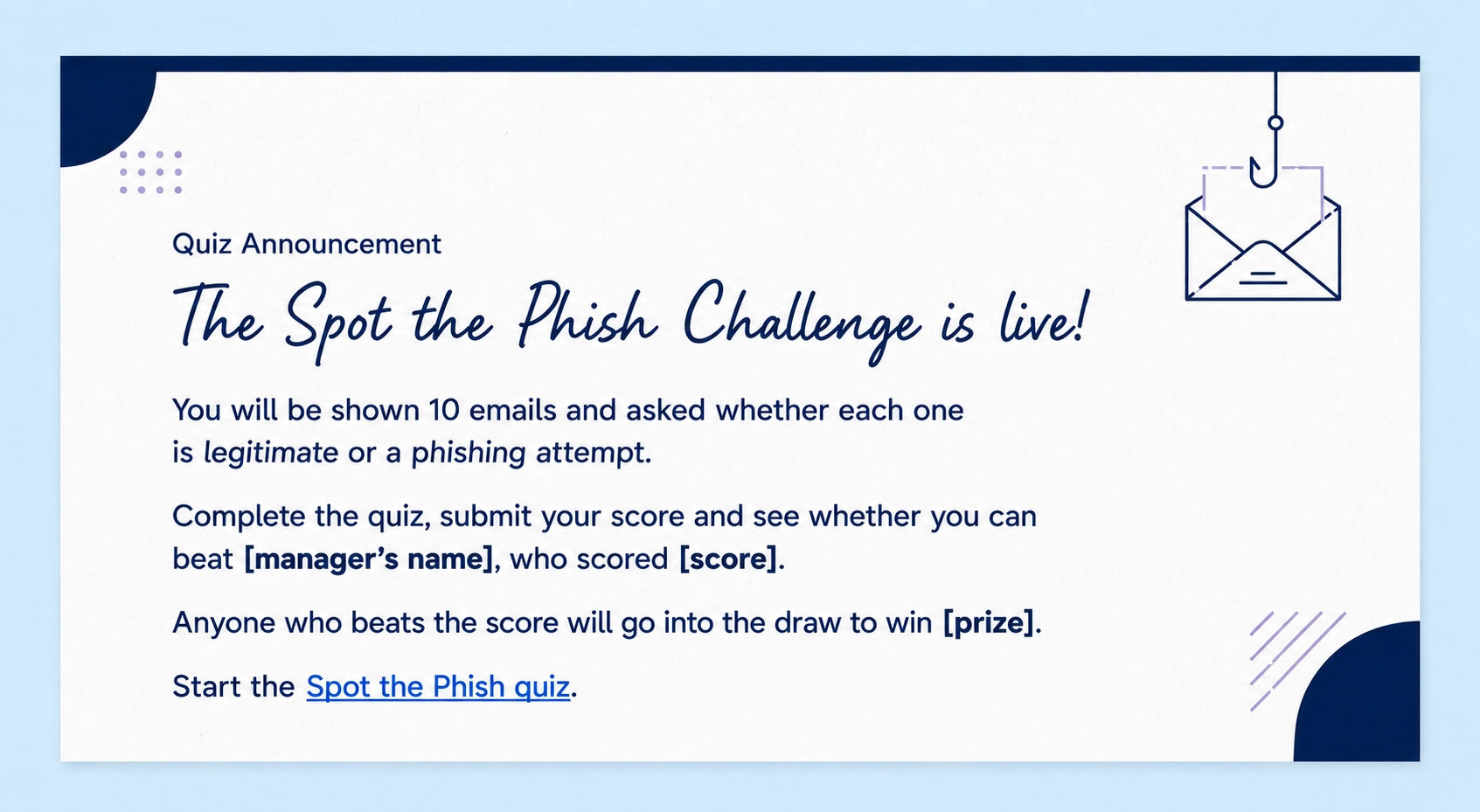
Employees complete the free CanIPhish Spot the Phish quiz, which presents 10 emails and asks whether each one is legitimate or a phishing attempt. Employees need to correctly identify at least 80% to pass.
You can run the challenge individually, compare department averages, or ask a manager to complete the quiz first and challenge everyone to beat their score.
Beat The Boss
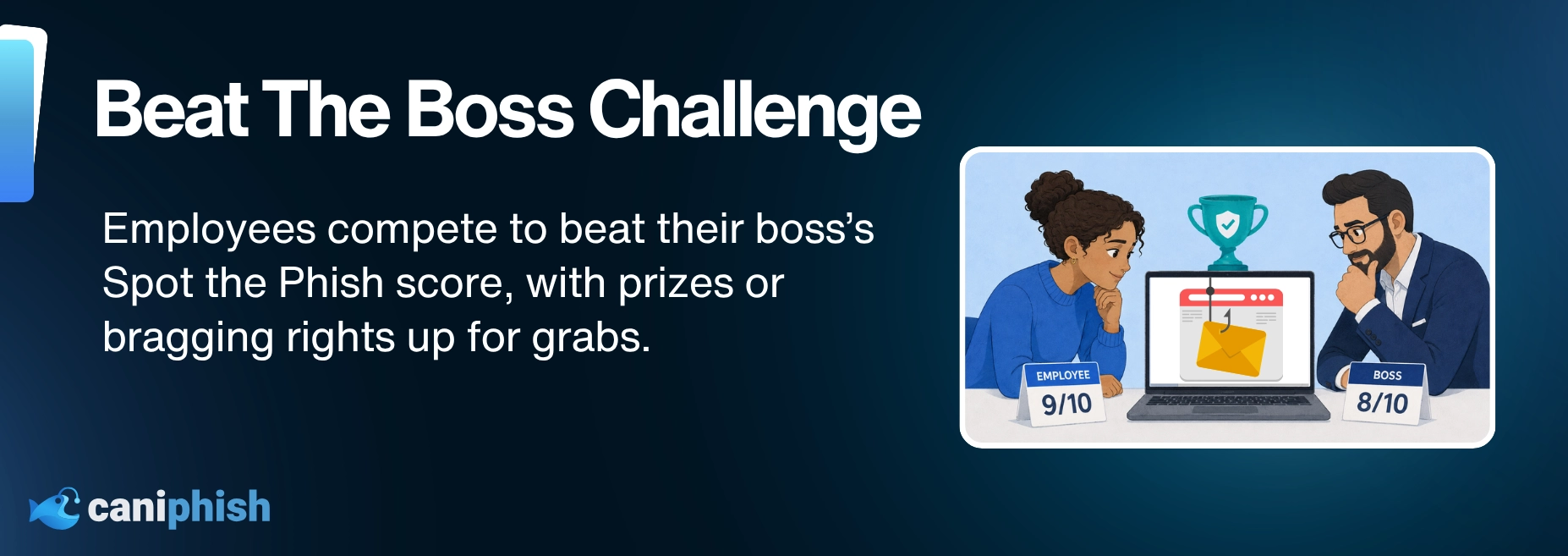
Ask a manager or senior leader to complete the quiz and share their result.
Anyone who beats the score could enter a prize draw, earn extra leaderboard points or receive a small reward. If the boss scores 10 out of 10, you may need to quietly select another boss.
Keep the challenge positive. Recognize strong results and participation, but do not publish the names of employees with the lowest scores. The goal is to build confidence, not create a company-wide wall of shame.
Quiz Announcement
Take The Challenge Further
Employees who want another challenge can explore the interactive phishing inbox simulator, which lets them examine more than 100 realistic phishing emails in a virtual inbox.
You could also select an email from the collection of 50+ phishing email examples and turn it into a group investigation.
Use the CanIPhish guide to investigating suspected phishing emails to guide the discussion. Ask employees to examine the sender, request, tone, links, context and signs of impersonation before deciding whether the email is safe, spam, phishing or requires further investigation.
More technical checks involving email headers, sender infrastructure or suspicious attachments should be left to the IT or security team. Employees should never open questionable links or attachments to investigate them themselves.
Optional Day 4: Share A Five-Minute Threat Briefing
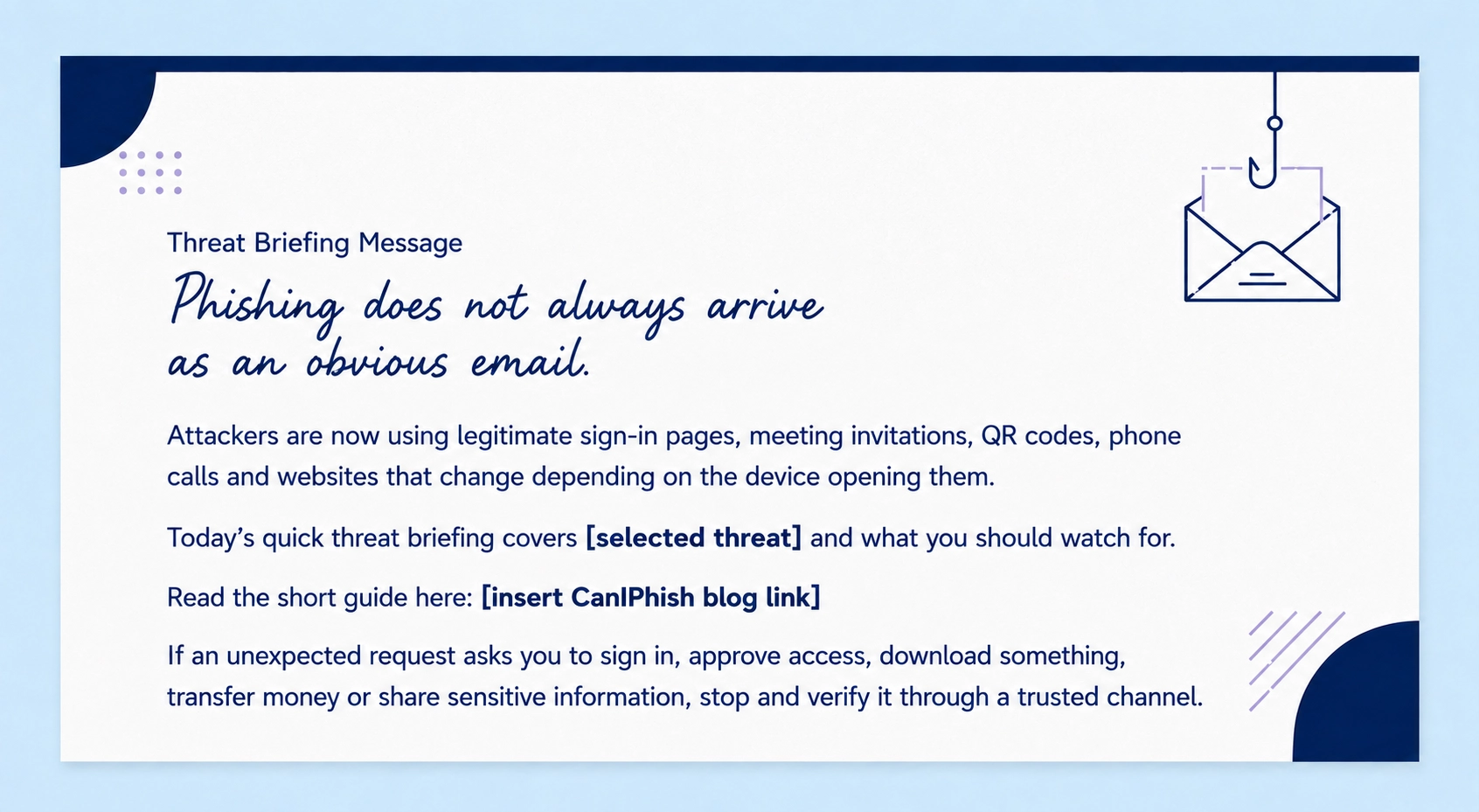
Phishing has gone well beyond the badly written email and is now turning up in calendar invitations, QR codes, text messages, phone calls and legitimate sign-in processes.
Use Day 4 to give employees a quick update on the newer attacks they may encounter. This does not need to become another training session. Select two or three relevant threats, explain each one in a few sentences and provide a link for anyone who wants to learn more.
Recent Attacks To Discuss
- OS-aware phishing: A phishing website detects whether someone is using Windows, macOS or a mobile device and changes the scam to match. Read What Is OS-Aware Phishing?
- Device code phishing: Attackers trick employees into entering a code on a legitimate device sign-in page, which can give the attacker access without using a traditional fake login form. Read Device Code Phishing Explained.
- Zoom phishing: Fake meeting invitations and lookalike Zoom pages can steal passwords, push malicious downloads or convince employees to follow unsafe troubleshooting instructions. Read Zoom Phishing Attacks: Why A Meeting Invite Is No Longer Proof.
- AI voice scams: A familiar voice is no longer reliable proof that the caller is who they claim to be. Read AI Voice Scams In 2026.
- Phishing beyond email: Attacks can arrive through workplace chat, QR codes, text messages, social media and phone calls. Read Why Phishing No Longer Only Lives In The Inbox.
Threat Briefing Message
Day 5: Host A Lunch And Listen
Cybersecurity training does not always need to involve slides, modules or someone reading bullet points from the front of a room.
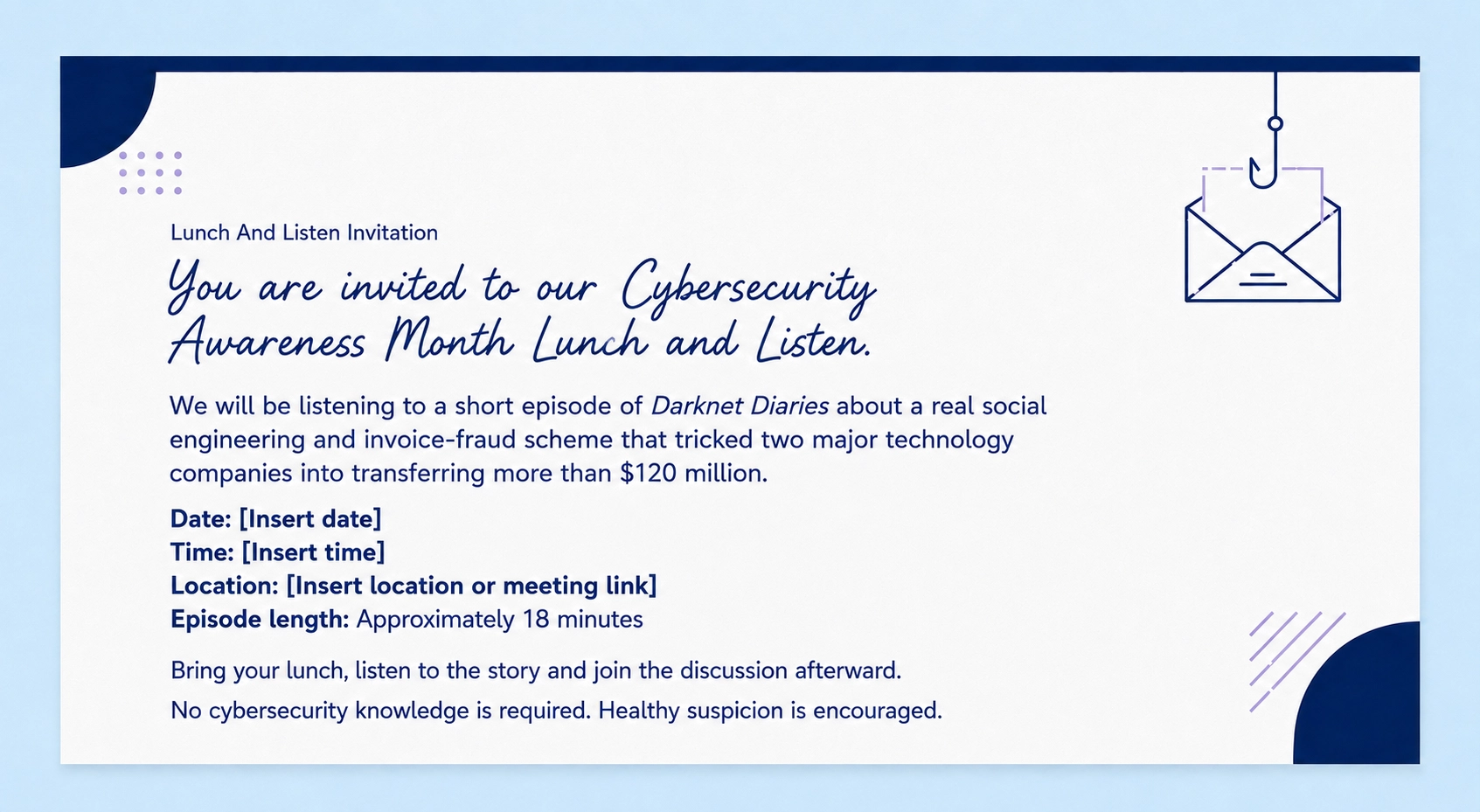
Invite employees to have lunch together and listen to a short cybercrime podcast. It creates a relaxed setting where people can hear what happened, discuss the mistakes that were made and consider how the same attack might affect their workplace.
A strong choice is Darknet Diaries Episode 124: Synthetic Remittance.
The 18-minute episode tells the story of a business email compromise scheme that used fake supplier details and fraudulent invoices to trick Google and Facebook into transferring more than $120 million. Its short runtime leaves enough time for discussion within a 30-minute lunch session.
Link employees to the official episode rather than downloading or distributing the audio.
Lunch And Listen Invitation
Host Introduction
Today's episode shows how an attacker used research, impersonation and knowledge of a genuine supplier relationship to make fraudulent payment requests appear legitimate.
As you listen, think about which parts of the request created trust and which checks may have stopped the payments.
Discussion Questions
- What made the payment requests appear legitimate?
- Why did the supplier relationship make the scam more convincing?
- Which business process should have stopped the payments?
- What should an employee do if a supplier unexpectedly changes its bank details?
- How can a business verify a payment request without relying on the contact details provided in the message?
- Could a similar attack target our organization?
Employee Takeaway
A familiar supplier name does not automatically make a payment request safe.
Changes to bank details, payment instructions or contact information should always be verified through a trusted contact method already held by the business. Do not use the phone number or email address contained in the unexpected request.
Day 8: Put Employees To The Test
Now it's time to give employees an opportunity to use what they have learned.
Run a simulated phishing campaign using the CanIPhish phishing simulator. The simulation should reflect the types of messages employees receive during a normal workday rather than looking like it escaped from a spam folder in 2009.
Suitable scenarios could include:
- A shared document
- An unexpected password reset
- A delivery notification
- A payroll or benefits update
- A meeting invitation
- A message from IT support
- An unexpected MFA request
- A QR code
The CanIPhish phishing email library contains more than 100 templates that can be reviewed and customized for different teams, industries and difficulty levels.
Do not announce the exact time, subject or sender beforehand. Employees should know that a simulation will form part of the campaign, but giving away the message turns the exercise into little more than a game of "click everything except that one."
Focus On Reporting
The aim is not simply to count how many employees clicked. It is to see whether they recognize the message and report it through the correct channel.
Everyone who reports the simulation could:
- Earn leaderboard points
- Receive a CanIPhish badge
- Enter a prize draw
- Earn points for their department
- Receive recognition in the final campaign announcement
This rewards the behavior the organization wants to see during a real attack.
CanIPhish can track positive actions such as reporting simulated emails, avoiding phishing messages and completing assigned training. Organizations using Outlook or Gmail can also connect their existing reporting process with CanIPhish so suspicious emails can be reported directly from the inbox.
What Happens If Someone Clicks?
A click should lead to education, not embarrassment.
CanIPhish can provide immediate training when an employee interacts with a simulated phishing message. A short explanation can show what the warning signs were, why the message was convincing and what the employee should do differently next time.
You can also assign a short follow-up module from the CanIPhish security awareness training library.
Do not publish individual click results or use the simulation to catch people out. Employees are more likely to report genuine mistakes when they know they will receive support rather than public humiliation.
Review The Results
Once the simulation is over, look beyond the click rate.
Check how many employees opened the message, interacted with it or reported it. Pay attention to how quickly the first report arrived, which warning signs were commonly missed and whether anyone assigned follow-up training completed it.
The reporting rate matters just as much as the click rate. A suspicious message that is quickly reported gives the security team an opportunity to investigate it and warn everyone else.
For more ideas on measuring participation, read 8 Metrics To Track Engagement For Security Awareness Training.
Day 10: Finish With A Final Challenge
Finish the campaign with one last activity, then recognize the employees and teams who participated.
Keep the final challenge short. Employees have already tested their phishing knowledge, joined a podcast discussion and faced a phishing simulation. There is no need to celebrate the finish line by assigning them another hour of training.
Choose one of the following activities:
Complete The Cyber-Awareness Quiz
Employees can complete the free CanIPhish cyber-awareness quiz.
The quiz contains 10 questions covering phishing, passwords, safe browsing and common workplace threats. You can compare the results with any baseline scores collected before the campaign or use it as one final competition.
Put A Password To The Test
Employees can use the password strength tester in the CanIPhish guide to create strong passwords.
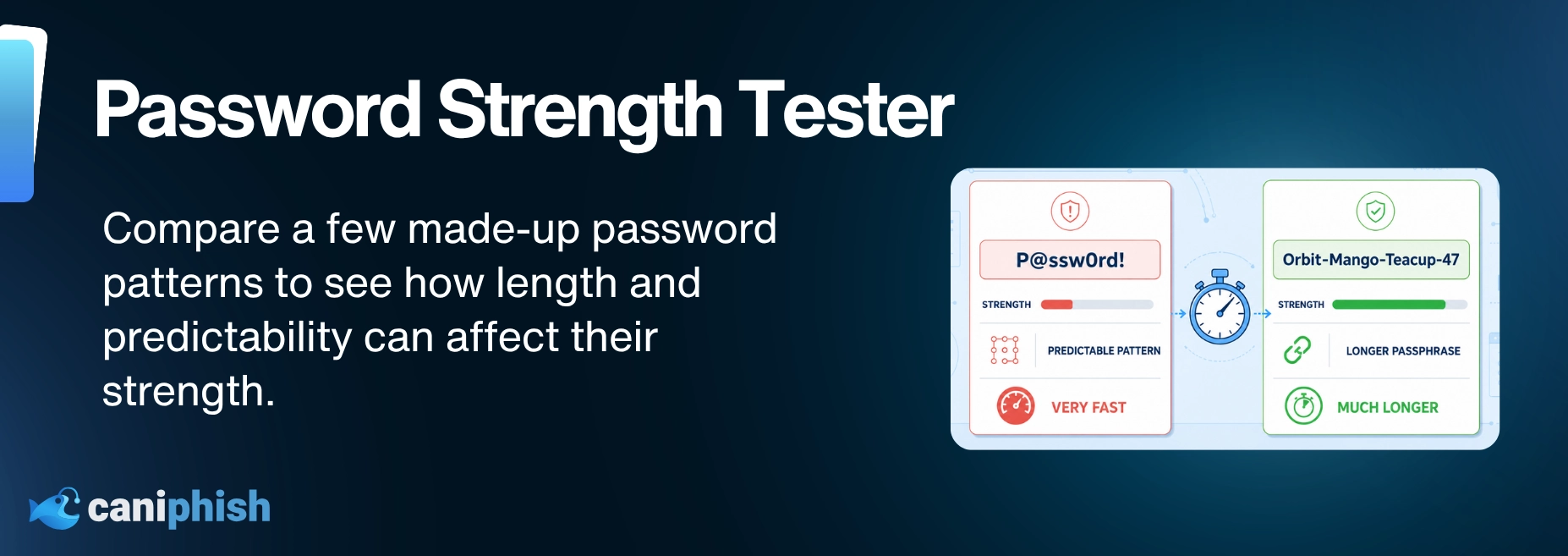
Ask them to compare different password patterns and see how long each one could take an attacker to crack. For example, they could test a short password containing predictable substitutions against a longer passphrase made from several unrelated words.
You could also challenge employees to create the strongest memorable password pattern without using names, birthdays, pets or anything connected to them.
Employees should only enter made-up examples, not passwords they currently use. Nobody needs to hand over their real password in the name of Cybersecurity Awareness Month.
Play A Cybersecurity Game
Employees who want a larger challenge can play one of the free CanIPhish cybersecurity games.
They can choose between:
- Human Firewall: Castle Defense: Adopt real-life security habits, grow your castle and hold off 12 waves of scammers, malware and snoops.
- Human Firewall: Tower Defense: Place security towers, upgrade them with real-life habits and stop 12 waves of scams before they reach your laptop.
- Bridge Survival: Pick safe habits to grow your wizard squad, banish scam villains and beat the boss in all 5 sectors.
- Security Architect Simulator: Pick real security projects, outwit cartoon attackers and go 24 months without a breach to make CISO.
Employees can submit their scores, compete against colleagues or challenge different departments to see who performs best.
Share The Campaign Highlights
Recognize employees for positive participation across the campaign, whether they achieved a strong quiz score, reported the phishing simulation or helped their department reach the top of the leaderboard.
Employees could receive leaderboard points, badges or small prizes. Anyone who completed the assigned CanIPhish training could also receive a certificate of completion.
Avoid naming anyone who clicked the simulation or received the lowest score. The campaign should finish with recognition, not an awards ceremony nobody wants to attend.
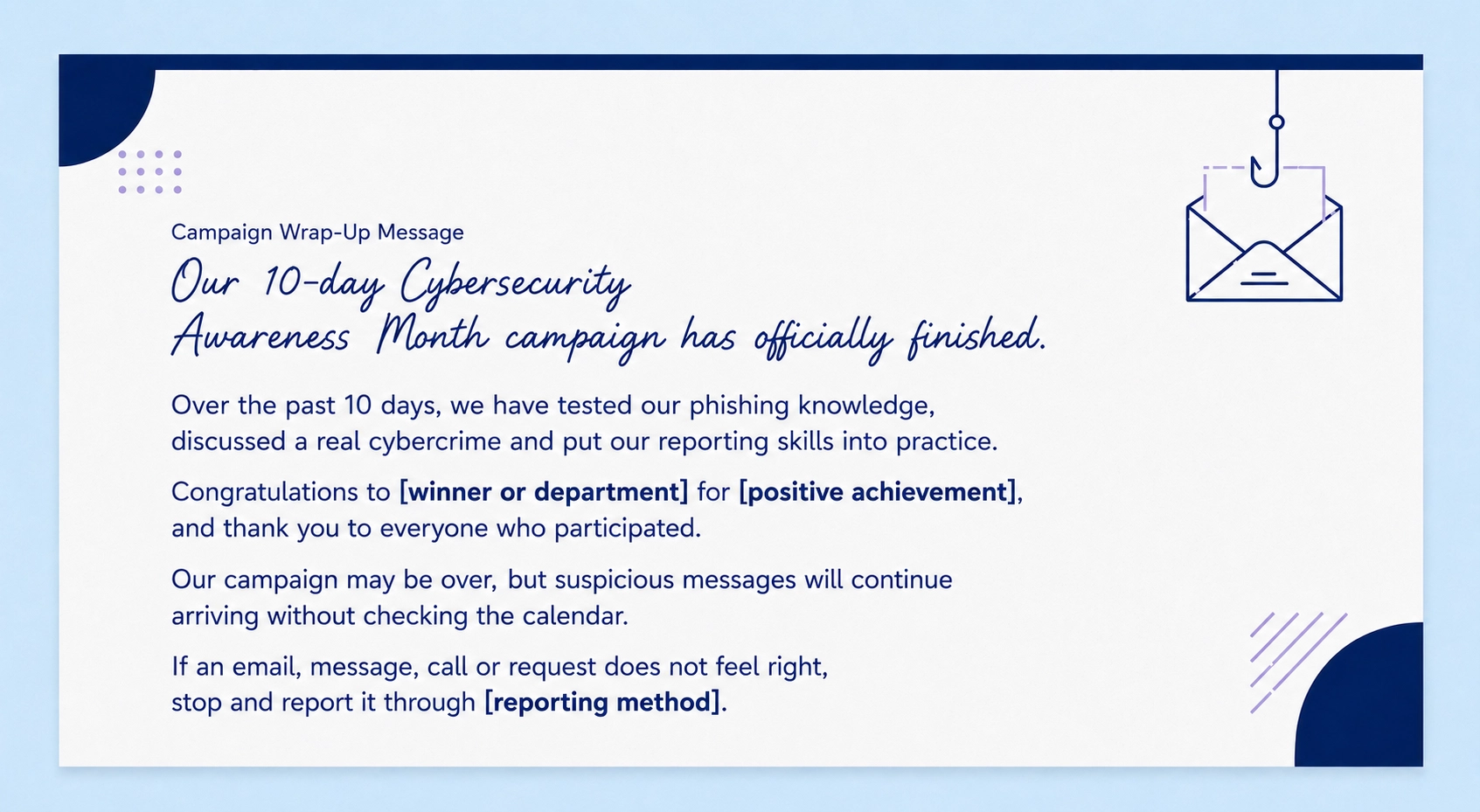
Campaign Wrap-Up Message
Wrapping Up
Cybersecurity Awareness Month should leave employees feeling more confident in the digital world, not relieved that October is over.
A shorter campaign like this gives each activity room to make an impact. Employees can practice useful skills, ask questions, and learn how to report something suspicious without feeling judged.
If someone stops, checks an unusual request and reports it instead of taking the bait, the campaign has done its job.
For more ways to keep the conversation going, explore our tips for promoting cyber awareness.
The campaign may only last 10 days, but the good habits should stick around considerably longer.

The Top 13 AI Documentaries In 2026
Uncover the dark side of artificial intelligence, minus the Hollywood lasers.
Check out our top picks
An Operations Analyst on a mission to make the internet safer by helping people stay a step ahead of cyber threats.