About the game
Your castle is your digital life
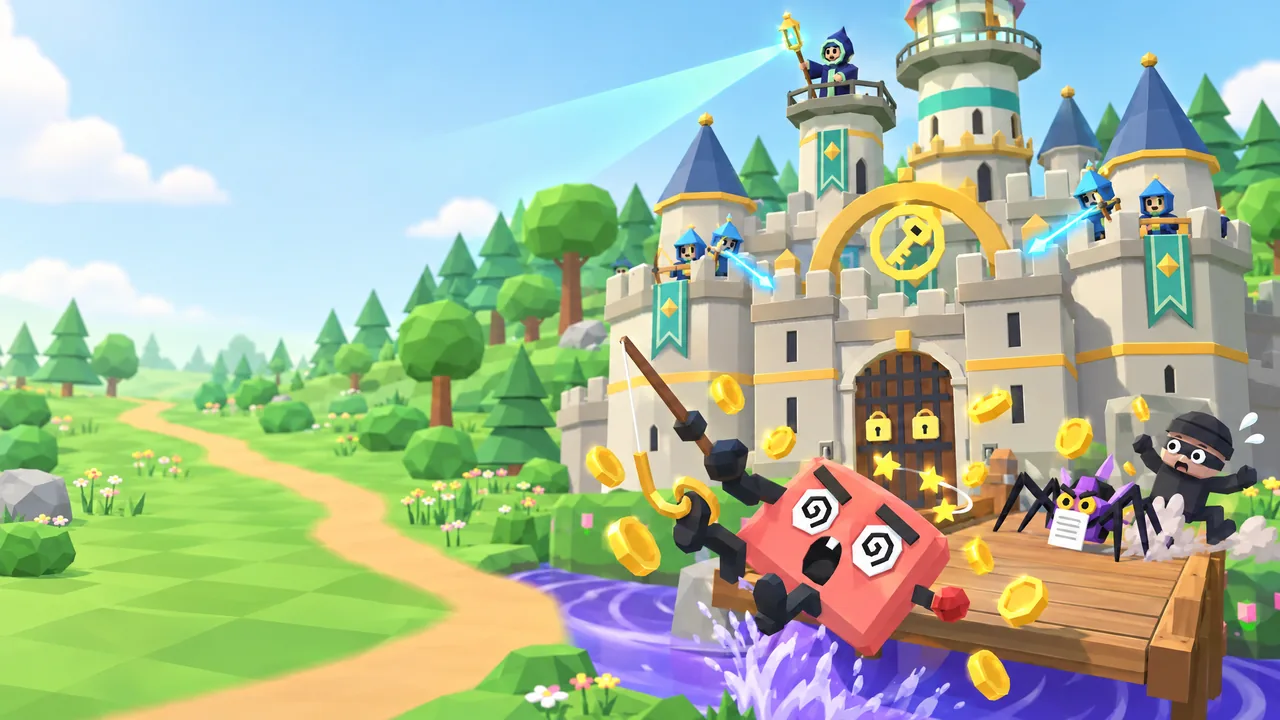
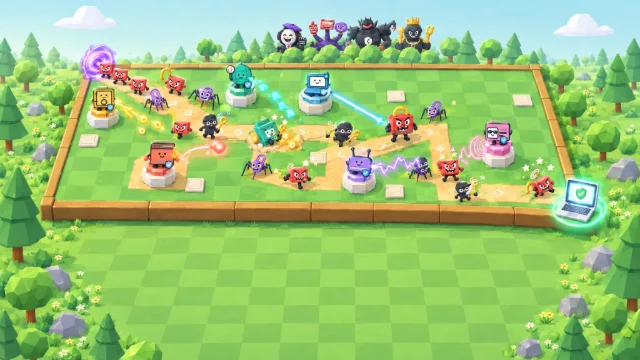
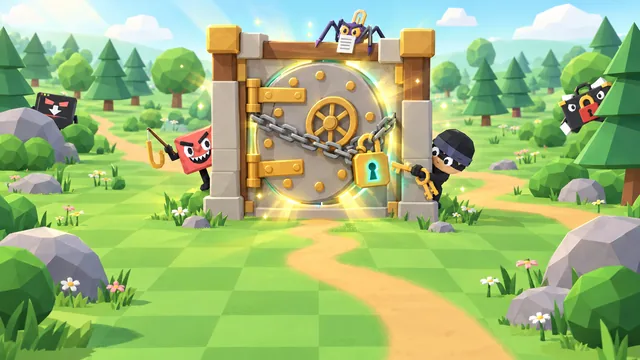
Human Firewall: Castle Defense is a free cyber security game you play right here in your browser. Scammers, malware and snoops march out of the tree line, and your Keeper fires at them from the top of the tower. Spend the coins they drop on six security defences, each one a part of the castle, and adopt the real-life habits that rebuild your walls stone by stone.
Survive 12 waves and four boss fights, including the Deepfake Director and the Password Kingpin. Cast spells when things get hairy and answer bonus questions for extra rewards. When the run ends, the castle you built is a picture of the habits you adopted, so you know exactly what to try for real.
- Genre
- Castle defense
- Play time
- About 15 minutes
- Waves
- 12, bosses on 3, 6, 9 & 12
- Habits
- 18 across 6 areas
- Languages
- 72, pick from the globe
- Price
- Free, no sign-up
How to play
Build, buy, survive
- Press Play, then Start game. The game loads right here on the page. Pick How to play instead for a five-step tour.
- Build your six defences. The Watchtower, Gatehouse, Walls, Moat, Workshop and Veil each adopt a real-life habit and rebuild part of your castle.
- Spend coins between and during waves. Buy stat levels for instant power, then unlock stronger habits as each defence levels up.
- Cast spells and answer bonus questions when a wave gets tough. Right answers earn extra rewards.
- Survive all 12 waves, then claim your spot on the leaderboard.
How your score adds up
Your score is your points plus the coins you have left, and that total is multiplied by 0.9 for every wave retry.
(Points+Coins left)
×
0.9 per wave retry=
Your score
Keyboard controls
- 1–6Select a defence
- ASDBuy a stat card (hold to repeat)
- FBuild or adopt the next habit
- QWECast a spell
- BOpen the bonus question
- ISecurity tips for this wave
- NStart the next wave
- SpacePause or resume
- MSound on or off
- EscClose a panel
Pro tip: Every Try wave again after the castle falls costs 10% of your final score, so build wisely. On touch screens, press and hold a card to keep buying.
What you'll learn
18 habits that keep scammers out
Every defence in the castle is a real area of personal security, and every upgrade is a habit you can use today, at home and at work.
Internet Security
The Watchtower
- 1Pause before you click
- 2Go direct
- 3Scam filters and reporting
Identity Security
The Gatehouse
- 1Strong, unique passwords
- 2Multi-factor authentication
- 3Passkeys and a password manager
Physical Security
The Walls
- 1Lock your screen
- 2Guard your space
- 3Track, wipe and shred
- 1Secure your router
- 2Updated, encrypted Wi-Fi
- 3Guest network and safer public Wi-Fi
Device Security
The Workshop
- 1Automatic updates
- 2Built-in malware protection
- 3Encryption and backups
Privacy Protection
The Veil
- 1Think before you share
- 2Lock down privacy settings
- 3Shrink your digital footprint
FAQ
Castle Defense questions
Is Human Firewall: Castle Defense free to play?
Yes. It is completely free and runs in your web browser, with no download, account or sign-up. You only pick a gamer alias if you want to put a top score on the public leaderboard. Organisations that use CanIPhish can also assign it to employees as security awareness training, with a private company leaderboard.
What does Castle Defense teach?
Everyday cyber security habits across six areas: internet, identity, physical, network and device security, and privacy. As your castle grows you adopt 18 real-life habits, such as pausing before you click, using multi-factor authentication and passkeys, locking your screen, securing your home Wi-Fi, turning on automatic updates and backups, and thinking before you share. Each wave's threat, from phishing and deepfake callers to ransomware, comes with plain-language tips for staying safe.
How is my score calculated?
You earn points for every threat you defeat, every wave and boss you clear, every habit you adopt and every bonus question you answer correctly, and any coins you have not spent are added at the end. Each time you use Try wave again after the castle falls, your final score drops by 10%. Your best score can go on the leaderboard, which lists the top 50 players of all time.
How long does a game of Castle Defense take?
A full run of 12 waves takes about 15 minutes at normal speed. You can switch to 2× or 3× speed, pause at any time, and end the run early if your castle falls.
What devices and languages does it support?
It plays in any modern browser with WebGL graphics (hardware acceleration) turned on, on desktops, laptops and tablets, and it works with touch on phones, although a larger screen is best. You can play in 72 languages: choose yours from the globe on the welcome screen.
Using Castle Defense for security awareness training at work? Bring it to your team or start a free CanIPhish account.