
AI-Powered Email Threat Analysis
AI-powered email threat analysis and real-time coaching that strengthens Microsoft and Google email security.











Layered Security, Better Together.
- Real-time inbox threat coaching for clear user guidance
- Advanced admin threat analysis for reported emails
- Interactive email sandboxing to safely investigate and classify advanced threats
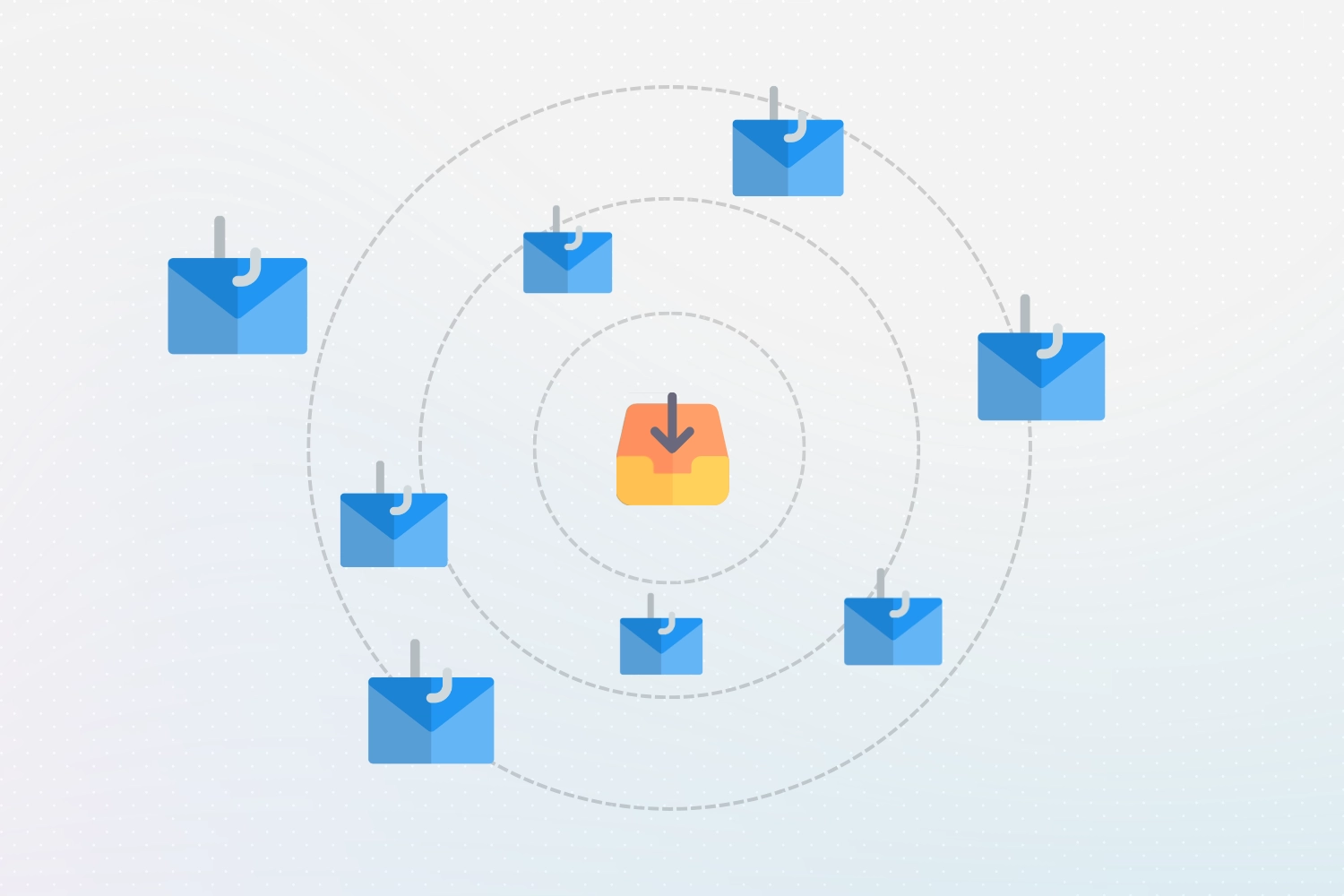

1. Some Threats Slip Past Email Security Filters
Built-in email security filtering provided by Microsoft and Google block upwards of 99% of malicious emails automatically. But modern threats are designed to evade detection, meaning the remaining 1% of malicious emails still reach the inbox.
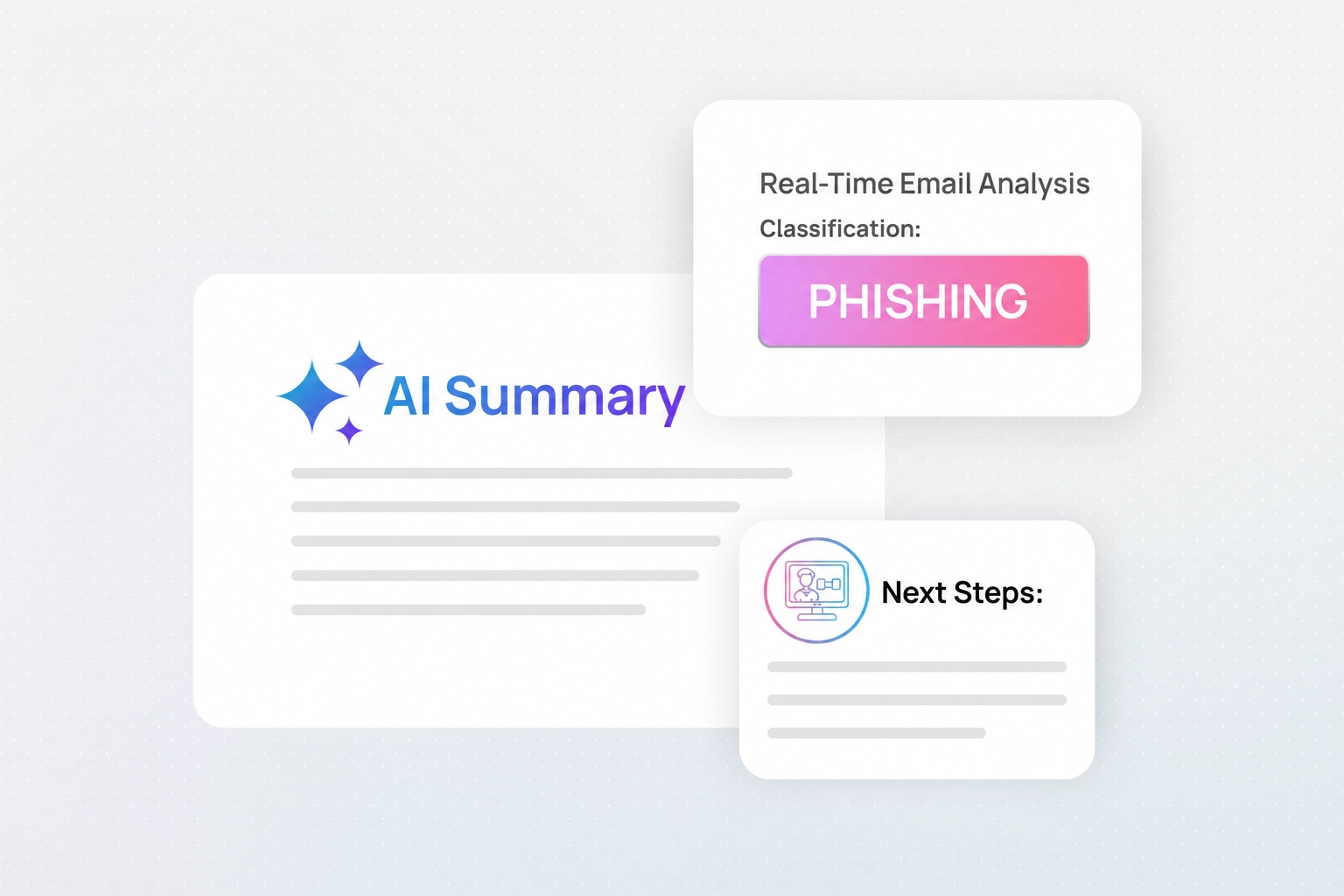
2. AI Coaching Guides Employees In Real-Time
An AI-powered security coach runs directly inside the inbox, guiding users to quickly spot suspicious emails and take the right course of action without ever needing to leave their email client.
Learn more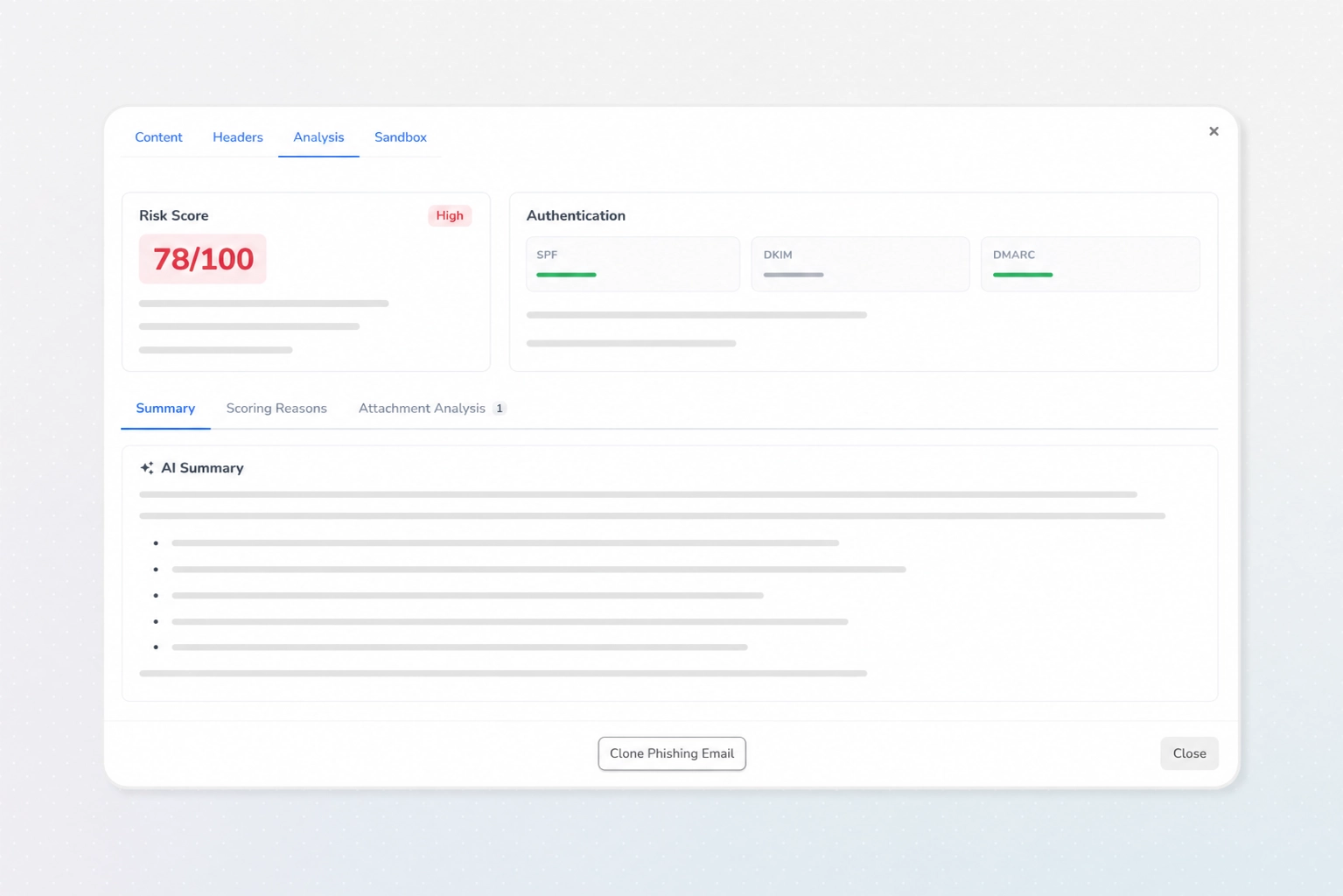
3. AI Threat Analysis Empowers Admins
Reported emails are escalated for deeper investigation, where dozens of deterministic signals are combined with contextual information before being provided to an AI-agent for final analysis, providing administrators with clear and concise information to support fast, confident decisions.
Learn more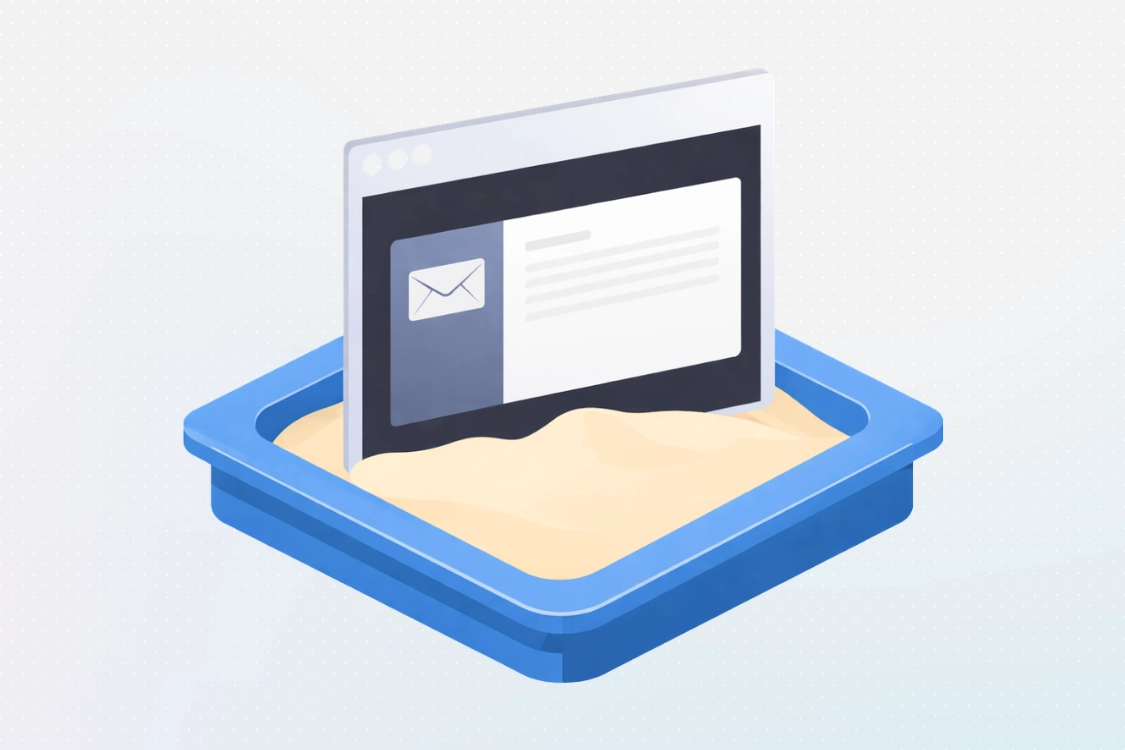

4. Interactive Sandboxing For Deep Investigations
For the most complex threats, administrators can safely open emails, click links, and open attachments in a safe, isolated, and temporary sandbox environment, enabling deeper investigations without putting administrator endpoints at risk.
Learn moreHow CanIPhish Strengthens Built-In Email Security Filters
Email Security Features
+ CanIPhish
Email Security Features
Microsoft/Google
Microsoft/Google
+ CanIPhish
Explore Our Threat Analysis Features
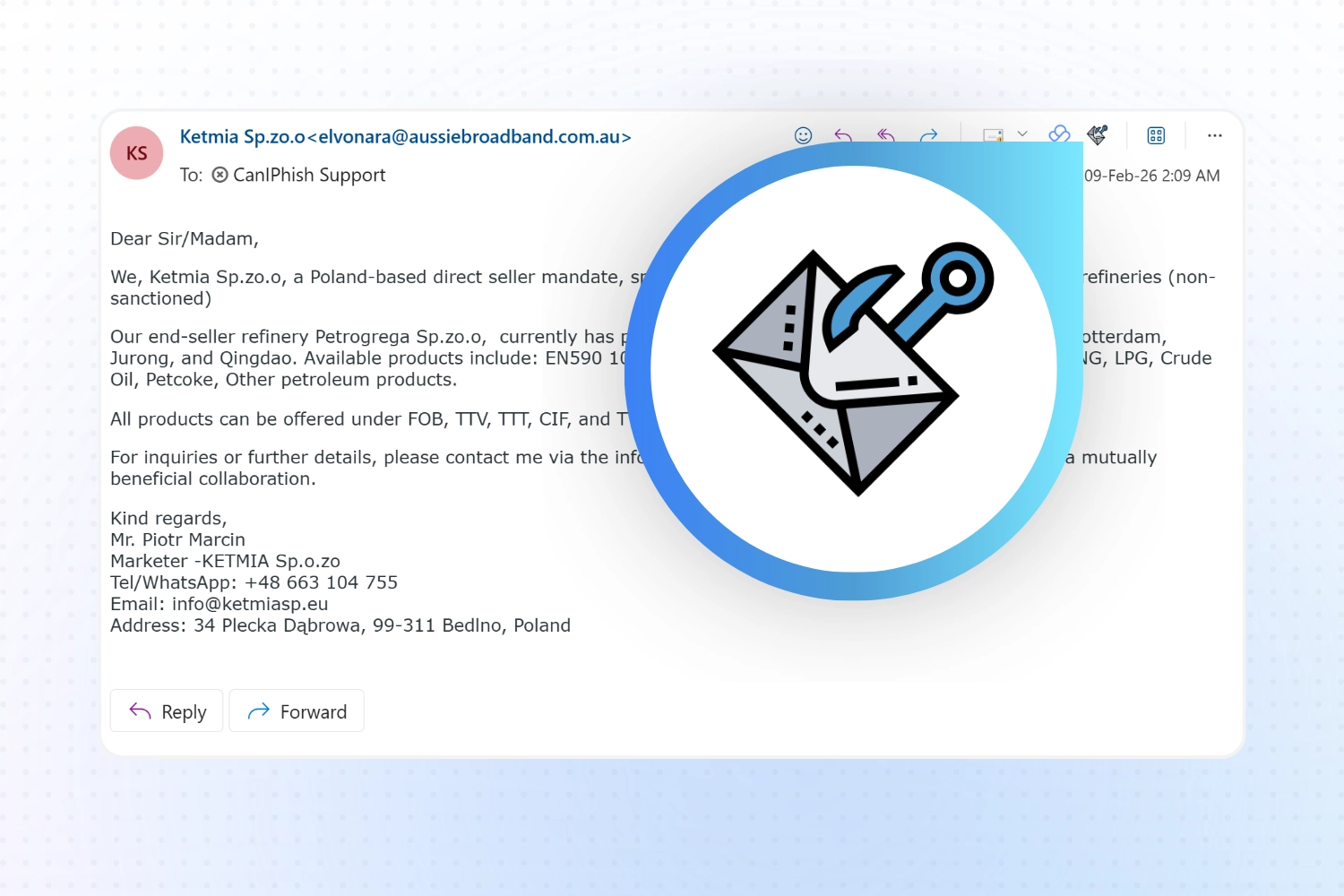
Employees Can Report Suspicious Emails Instantly
Give users an easy way to report suspicious emails directly from their inbox. Reported messages are sent to admins for analysis, while correctly reporting simulated phishing emails is counted as a positive action in campaign metrics, reinforcing good behavior and improving visibility across the organization.
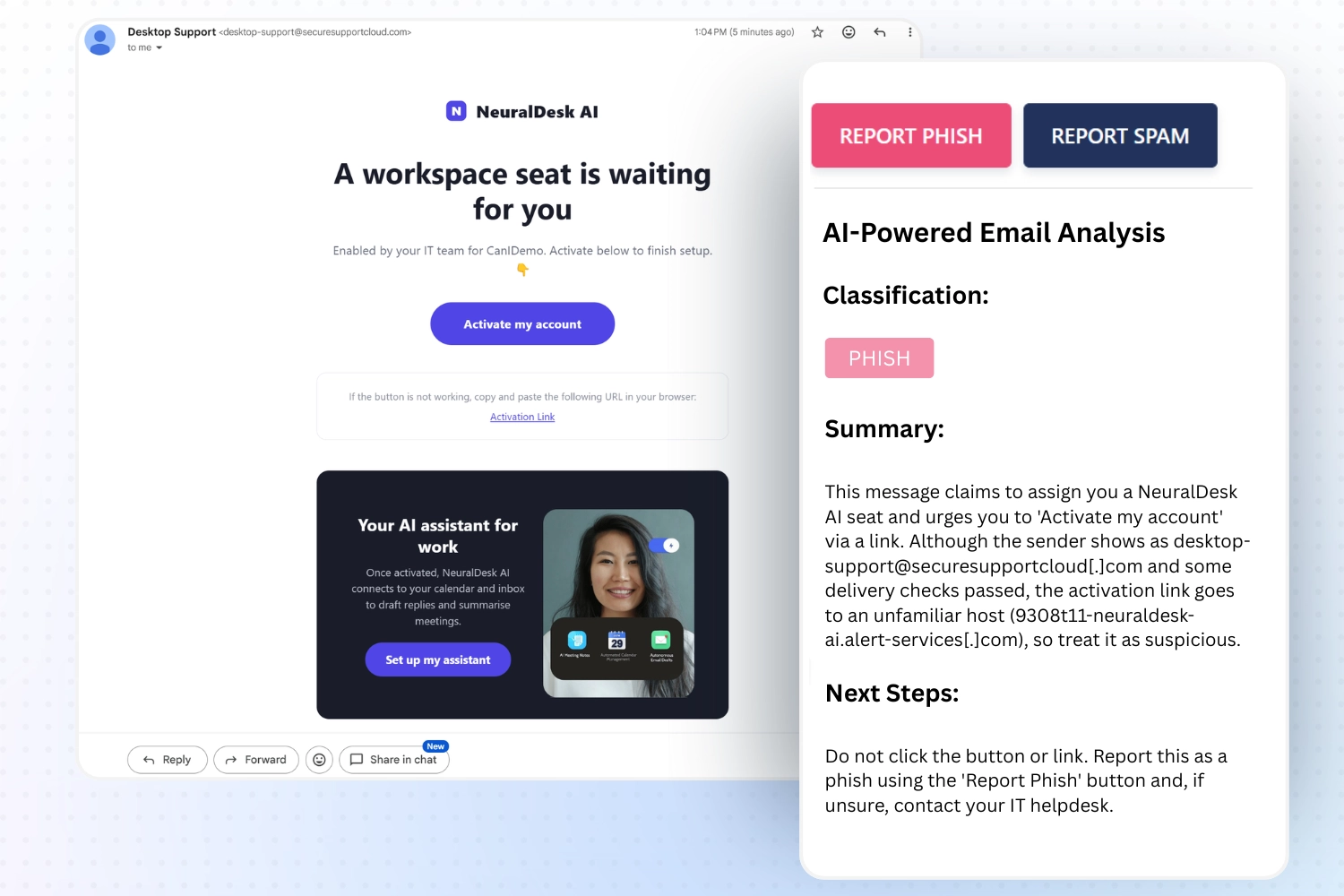
Users Receive Real-Time Coaching Inside The Inbox
Suspicious emails can be analyzed directly in the inbox, with clear guidance explaining potential risks and recommended actions. This helps users understand why an email may be unsafe and what to do next, improving decision-making without disrupting their workflow.
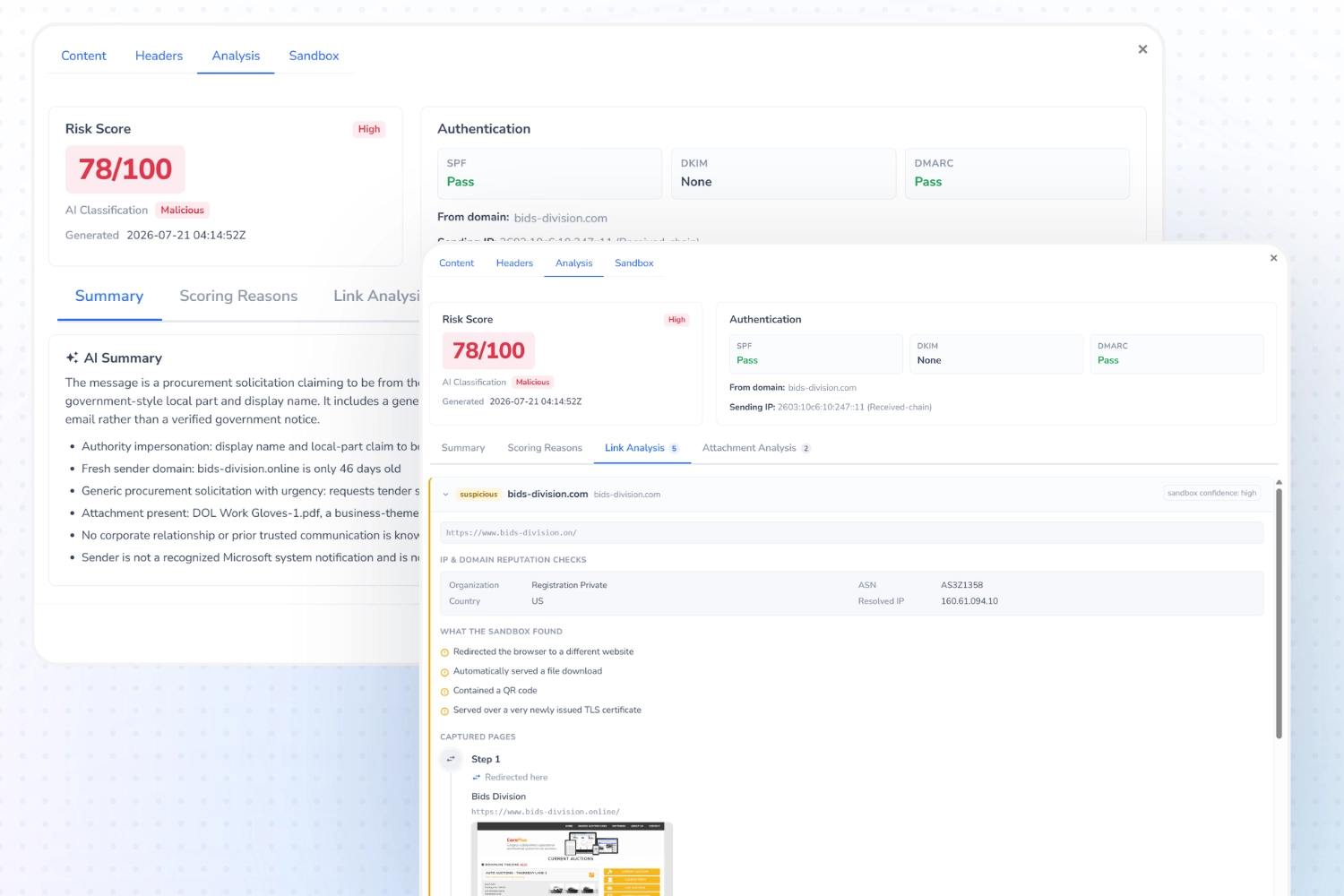
Admins Can Perform Deep Analysis On Reported Emails
Reported emails are enriched with detailed analysis, including authentication results, link reputation, and AI-generated summaries. Embedded links and QR codes are unwrapped and detonated in an isolated sandbox to reveal their true intent, giving admins clear insight for faster, more confident decisions.
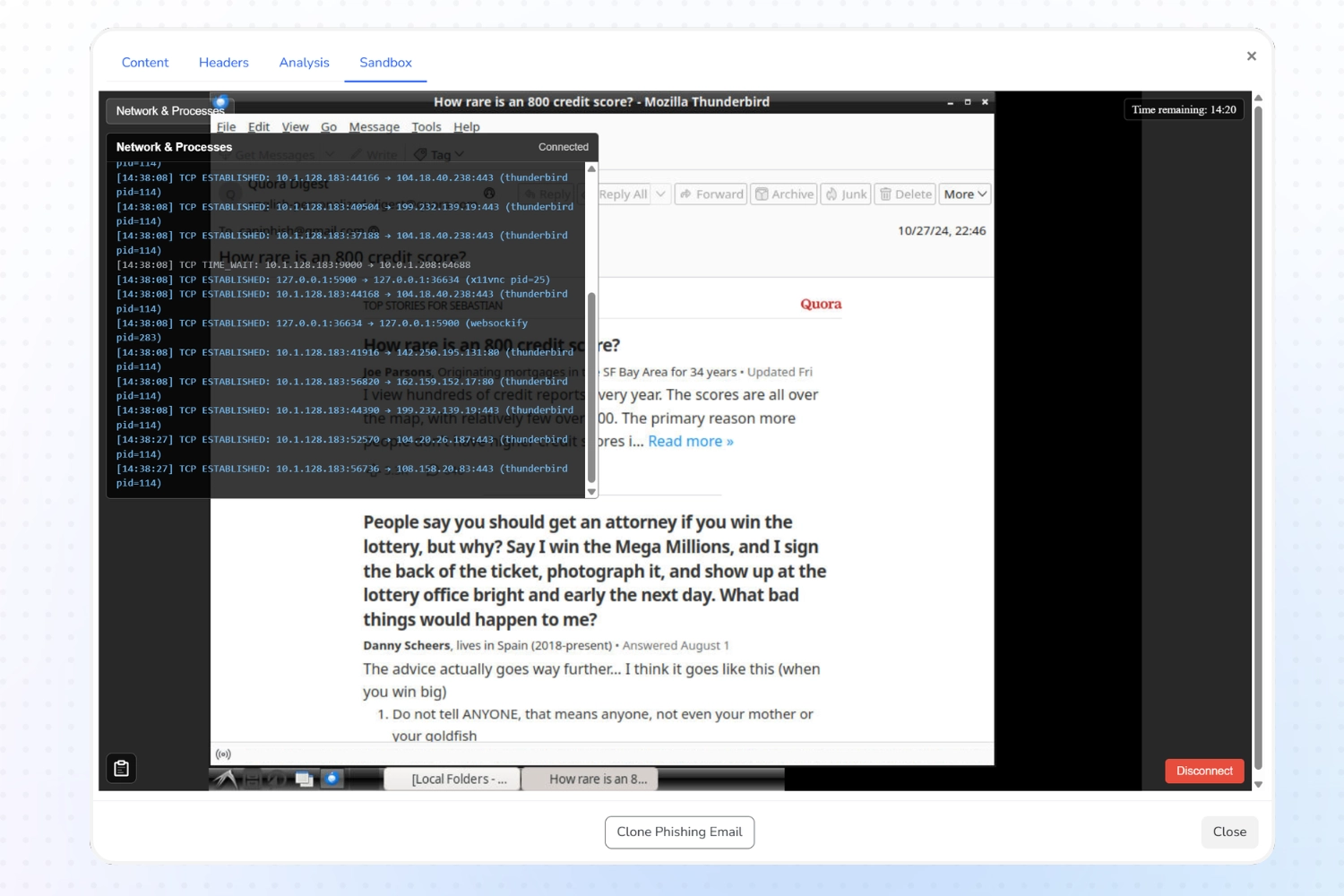
Advanced Threats Can Be Safely Investigated In A Sandbox
For complex or evasive emails, admins can safely interact with messages in a sandbox environment. This allows behavior to be observed in real time, supporting accurate classification and threat neutralization without exposing users or systems to risk.
Reducing Human Risk When Malicious Emails Reach the Inbox
Microsoft and Google block the vast majority of malicious emails automatically, but modern attacks are designed to be subtle, targeted, and difficult to detect. These threats often rely on social engineering rather than obvious malware, which means some suspicious emails will still reach user inboxes.
This is where layered email threat analysis becomes essential, helping organizations identify, understand, and respond to risks that automated filtering alone cannot fully address.
How Security Coaching Reduces Human Risk
When suspicious emails reach users, real-time analysis inside the inbox helps close the gap between detection and action. AI-powered threat coaching explains why an email may be risky and guides users toward the correct response, such as reporting the message for further investigation.
By providing contextual guidance at the moment of decision, organizations can reduce human error while reinforcing good security behavior without disrupting everyday workflows.
Deeper Investigation And Safe Threat Containment
Emails reported by users are escalated to admins for deeper analysis, providing full visibility into intent, risk, and key indicators. Advanced threat analysis brings authentication results, sender signals, link reputation, and AI-generated summaries together in one place.
For complex or evasive threats, sandboxing allows admins to safely investigate behavior in real time, supporting confident classification and threat neutralization without exposing users or systems to risk.
Analyzing Malicious Links Before They Cause Harm
Most phishing attacks succeed through a single malicious link, so link analysis is a critical layer of email threat detection. Every URL in a reported email is extracted and checked against live threat intelligence, with security-gateway rewrites such as Microsoft Safe Links and Proofpoint URL Defense unwrapped to reveal each link's true destination rather than the rewritten wrapper.
Suspicious links, including those hidden inside QR codes, are safely visited in an isolated cloud sandbox that follows the full chain of redirects and captures the final landing page. This catches credential-harvesting pages, brand impersonation, and newly created phishing sites with no reputation history, delivering a clear verdict for every link with a plain-English explanation of how it was reached.
Start Building Your Human Firewall.
Create a free account-
Create A Free AccountGet started in minutes. Explore CanIPhish with no upfront commitment or credit card required.
-
Train Employees Against Real Email ThreatsLaunch security awareness training designed to improve decision-making and reinforce good reporting behavior inside Microsoft and Google inboxes.
-
Unlock Advanced Email Threat AnalysisAccess AI-powered analysis, admin investigations, and sandboxing tools to identify and stop advanced email threats as your program scales.
What Our
Customers Are
Saying
Independently verified reviews

Compared to every other vendor we spoke to, working with CanIPhish was a dream. Email responses came as fast as within minutes, rarely taking over a few hours and I was never once bothered or harassed by salespeople pressuring me.
Loving it! A very easy to use product and the support is 10 out of 10!
A good and affordable solution compared to other phishing tools on the market.
Great product backed by a great Team. Extremely well thought out every step is backed by a walkthrough guide which makes the experience incredibly simple.
Ridiculously good. Couldn't have been more pleased. This is a no-brainer for anyone looking to run phishing awareness campaigns at their org internally. Just schedule and forget.
Overall experience with CanIPhish has been wonderful. Having used and implemented a few different phishing platforms, I can confidently say that this one has been the easiest to use. It’s intuitive, straightforward, and doesn’t require a lot of time to get up and running.