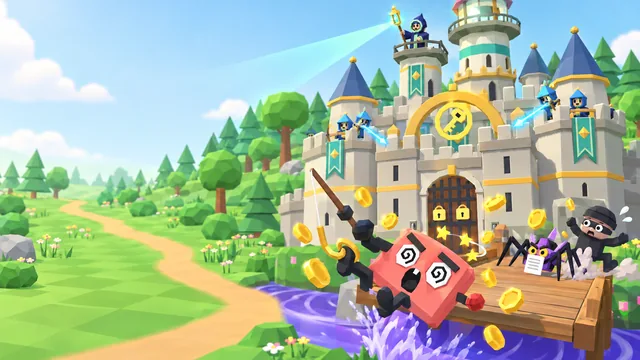
Castle Defense
Top 3 of 50 · all-time
- 1st place: Big Jonny 24,592 points
- 2nd place: edmund 23,993 points
- 3rd place: Giga 23,917 points
Defend a castle, build a wall of security towers or run a law firm's security for 24 months, and pick up the everyday habits that stop real scammers. Cartoon strategy games that play right in your browser: no download, no sign-up.
Browse all games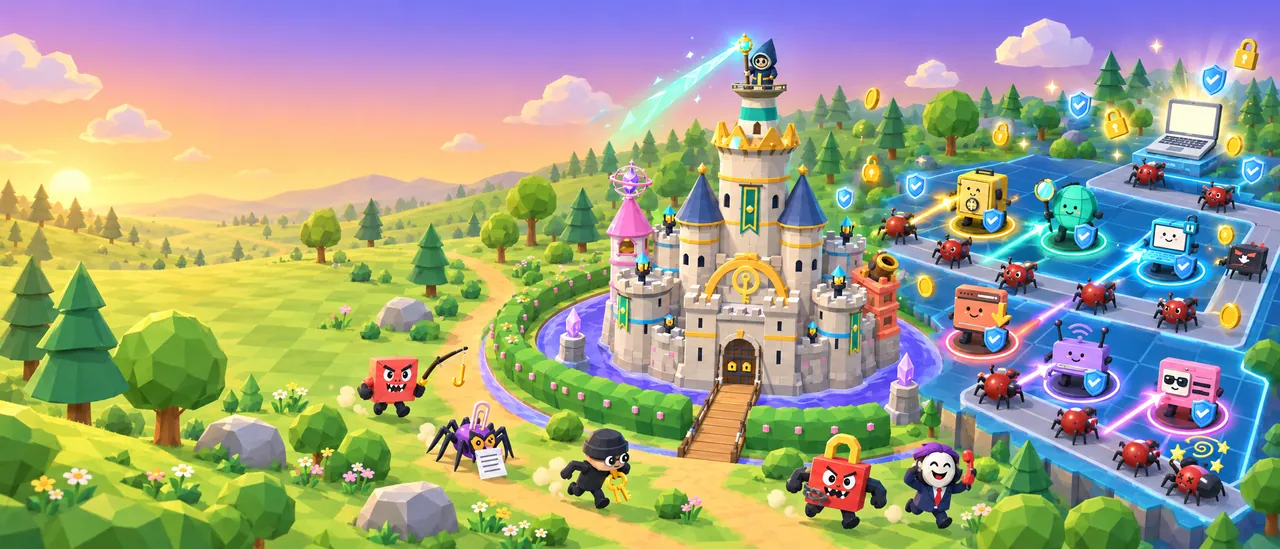
Game library
Free cyber security games at about 10 to 15 minutes a run. Every upgrade you buy and every security project you roll out is a real-life habit or control that keeps scammers out.
3games out now · more on the way
Adopt real-life security habits, grow your castle and hold off 12 waves of scammers, malware and snoops.
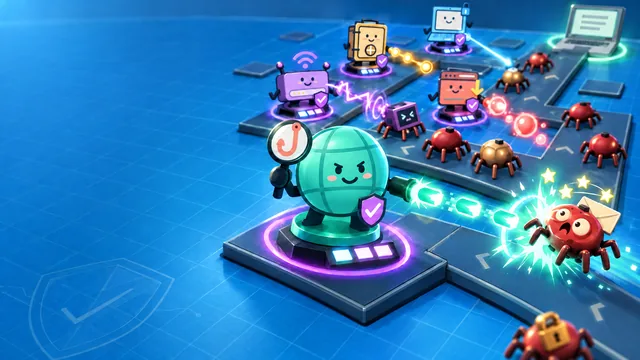
Place security towers, upgrade them with real-life habits and stop 12 waves of scams before they reach your laptop.

Pick real security projects, outwit cartoon attackers and go 24 months without a breach to make CISO.
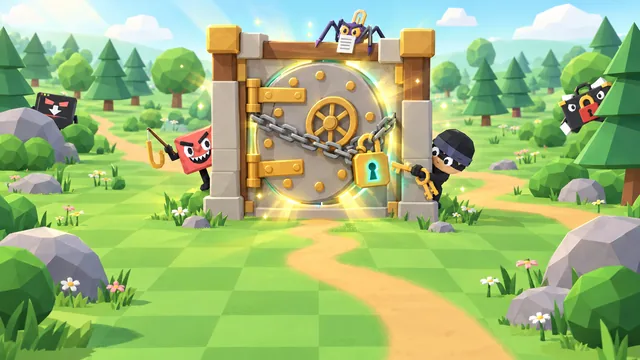
New cyber security adventures are in the workshop: new worlds, new villains, the same everyday habits.
The original turn-based Security Architect and Social Engineer, CanIPhish's first cyber security games, live on in the legacy arcade with their leaderboards. Saved game codes keep working.
Hall of Fame
The three best runs on each game. Finish in the top 50 and you can claim your spot on the leaderboard with a gamer alias: no account, no email.
Top 3 of 50 · all-time
Top 3 of 50 · all-time
Top 3 of 50 · all-time
Scores are checked for fair play before they reach the board. One spot per player per game: your best run counts.
How it works
People remember what they practise. These online security awareness games turn good habits into moves you make under pressure, so they stick long after the game is over.
Castle Defense, Tower Defense or Security Architect Simulator. All free, and a run takes about 10 to 15 minutes.
No download and no account. Works on laptops, desktops, tablets and phones, in 72 languages.
Every upgrade and security project is a real-life habit or control: unique passwords, multi-factor authentication, updates, spotting scams and more.
Finish in the top 50, pick a gamer alias and join the leaderboard. Beat your best to climb.
Who it's for
Good security is a set of habits, not a lecture. These cybersecurity games let people practise those habits in a low-stakes world, which is why they work for a new starter, a Year 9 class and a security team's awareness program alike.
Cyber security games for employees work because people remember what they practise. A run fits in a coffee break, every upgrade mirrors a policy you already have (unique passwords, multi-factor authentication, updates, reporting phishing), Security Architect Simulator shows why the security team asks for them, and a leaderboard turns security awareness month into a friendly contest.
No account, no personal details and plain-language tips make these a safe pick for classrooms, coding clubs and families. Cartoon villains and short waves keep younger players hooked, older students can try a security career in Security Architect Simulator, and the habits they learn are exactly the ones adults need online.
Use the free games as an icebreaker, then assign them from the CanIPhish training library to track completions, run a private company leaderboard and pair them with realistic phishing simulations.
See the training libraryFor security & IT teams
Castle Defense, Tower Defense and Security Architect Simulator are part of the CanIPhish security awareness training library. Assign them to employees alongside realistic phishing simulations, see who has played, and run a leaderboard just for your organisation.
No trial periods. No credit cards. No sales calls.
Free security awareness training
FAQ
Everything you need to know about playing, learning and climbing the leaderboards.
Back to the gamesHuman Firewall: Castle Defense, Human Firewall: Tower Defense and Security Architect Simulator are free online cybersecurity games from CanIPhish, a phishing simulation and security awareness training company. In Castle Defense you grow a castle out of everyday security habits and hold off waves of scammers. In Tower Defense you place and upgrade security towers to stop phishing emails, password thieves and ransomware. In Security Architect Simulator you run a law firm's security for 24 months, choosing which real security projects to roll out before the attacks land. The two Human Firewall games have 12 waves and four boss fights each, and every game has its own top-50 leaderboard.
Yes. Every game here is completely free, with nothing to download and no account to create. They run in any modern browser. You only choose a gamer alias if your score makes the top 50 and you want it on the leaderboard.
Short, replayable games work best at work, because people can finish a run over a coffee break. Tower Defense takes about 10 minutes, and Castle Defense and Security Architect Simulator about 15. In the Human Firewall games every upgrade stands for a habit your security policy already asks for: unique passwords, multi-factor authentication, updates, backups and reporting phishing. Security Architect Simulator shows the other side: why the security team asks for them, and how it weighs protection against getting work done. Run a friendly leaderboard challenge during security awareness month, or assign the games through CanIPhish to track who has played.
Yes. The cartoon villains, plain-language tips and no-account play make them a safe pick for classrooms, coding clubs and families. Castle Defense and Tower Defense suit younger players best, while Security Architect Simulator, a workplace management sim, suits teens and older students curious about a career in cyber security. Students learn the same habits adults need, such as pausing before they click and thinking before they share. Younger kids may want a grown-up nearby to help with the reading, and nobody needs to share personal details to play.
The Human Firewall games cover six areas of personal security (identity, internet, physical, device, network and privacy) through 18 real-life habits. You'll practise using strong, unique passwords and passkeys, turning on multi-factor authentication, pausing before you click, installing updates, securing your home Wi-Fi and thinking before you share. Security Architect Simulator shows how an organisation defends itself: layers of real controls such as email authentication, multi-factor authentication, patching and phishing simulations, planning ahead for the next attack, and the trade-off between security and getting work done. Bonus questions and office decisions along the way check what you've picked up.
In a tower defense game you stop waves of enemies by placing defences along their path. In Human Firewall: Tower Defense each tower is a security area and each upgrade is a stronger habit, so winning means building layers that work together, which is exactly how good security works in real life. No single habit stops every threat.
You play the security team. Every project you can roll out is a real control, from SPF, DKIM and DMARC to passkeys, patch management and phishing simulations, and an attack is only blocked when the right layers are in place in time. Colleagues bring you everyday dilemmas, such as a supplier's new bank details or a USB stick found in the car park, and every choice comes with a lesson. It shows why good security is layered, planned ahead and balanced against productivity, which is how real security teams think.
Each game has its own leaderboard of the top 50 players of all time. When a run finishes in the top 50 you can claim your spot with a gamer alias of 2 to 15 characters. You hold one spot per game and your best run counts. Scores are checked for plausibility before they're saved, and aliases are screened to keep the board friendly.
Yes. The games run in any modern browser with 3D graphics (WebGL) turned on, and they're at their best on a laptop or desktop. On a phone, tap Play to open the game full screen. Castle Defense asks you to turn your phone sideways; Tower Defense and Security Architect Simulator play either way up.
Yes. All of these games are part of the CanIPhish training library, so you can assign them to employees, track completions, run private leaderboards and pair them with phishing simulations. You can start with a free account.
The original turn-based Security Architect and Social Engineer are still available on the Legacy Cyber Security Games page, and your saved game codes and their leaderboards keep working there. Security Architect Simulator is a new game that reimagines the original Security Architect as a real-time office sim, with its own leaderboard here.
Yes. More games are in the workshop, with new worlds and new villains built around the same everyday habits. Bookmark this page and check back soon.
No account or email is needed. When you claim a leaderboard spot, we keep your alias, your score and the run's details (how far you got, how long it took and the date), a random ID for this browser, and a scrambled code derived from your network address. That code is used only to stop one network filling the board, and it is never shown. The leaderboards are all-time, so an entry stays until it drops out of the top 50. To have an entry removed, contact support@caniphish.com. Your alias is public, so please don't use your real name.