Why Phishing No Longer Only Lives In The Inbox
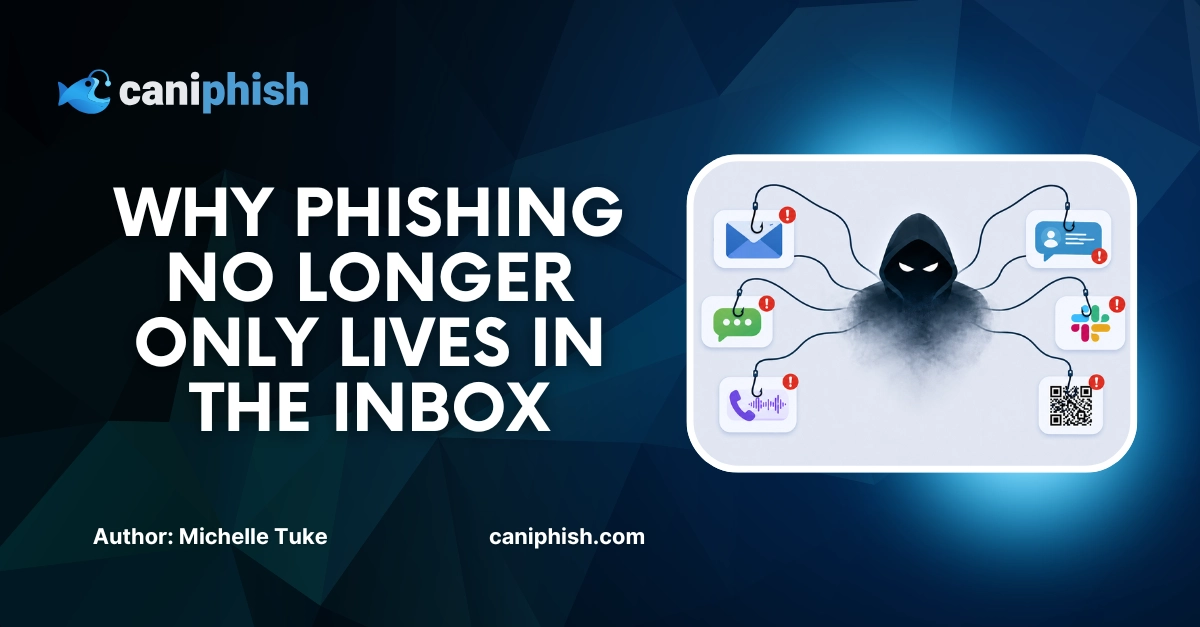

Still convinced that phishing only lives in your inbox? Fair enough. That used to be a safe bet.
But in 2026, phishing attacks can show up as a Microsoft Teams message, a Slack invite, a text message, a QR code, a fake calendar invite, or a phone call that sounds just convincing enough to make someone act before they think.
Phishing is any attempt to trick you into clicking, sharing, or approving something you shouldn't, regardless of where the message lands.
Email is still a major target, but attackers have learned that people do not only work in email. They chat, scan, approve, click, answer, and react across dozens of channels every day. So phishing followed them there.
Let's dive in.
Why Phishing Moved Beyond Email
Phishing has expanded beyond email because attackers know people do not treat every communication channel with the same level of caution.
Most employees have been told to be careful with suspicious emails. They know to check the sender, inspect links, watch for strange attachments, and report anything that feels off. That does not mean email phishing is solved, but it does mean many people are more alert in their inboxes than elsewhere.
Attackers have adapted to that.
Instead of only trying to get past email filters and inbox-trained employees, they now target the places where people move faster, trust more, and question less. These channels often feel more immediate, more internal, or more personal, which can make a malicious request feel normal in the moment.
That is where the risk grows.
When phishing shows up outside the inbox, employees may not recognize it as phishing straight away. They may be less likely to pause, verify the request, or report it through the right process.
Attackers follow trust. If people trust a channel and do not expect phishing to appear there, it becomes a useful place to attack.
That is why phishing has not replaced email. It has expanded beyond it.
Workplace Chat Apps Have Become A Phishing Target
Think about how often you question a message in Microsoft Teams or Slack.
Probably not very often.
When a platform is used all day for quick updates, approvals, files, and "can you jump on a call?" requests, people naturally let their guard down. It feels like work, not a warning sign. Attackers take advantage of this, and they are happy to invite themselves into the chat.
Workplace chat apps have become a useful target because they feel fast, familiar, and personal. People are used to acting fast and trusting that the person on the other side is who they appear to be.
That trust can be abused in several ways. An attacker might impersonate IT support and ask an employee to reset a password, approve a login, or install a "security update." They might pretend to be a manager asking for urgent help. They might send a fake file, a meeting link, or a message that pushes the employee toward a malicious login page.
In some cases, the attacker does not even need to fake being internal. If they compromise a real account, the message can come from an actual colleague's profile. That makes the request much harder to question, because nothing looks obviously out of place at first glance.
That is the real problem with chat-based phishing. It does not always feel like phishing. It feels like another task in the middle of a busy workday.
QR Codes Make Malicious Links Harder To Spot
"Just scan the QR code."
That sentence has become part of everyday life. Restaurants use it. Car parks use it. Events use it. Workplaces use it. Even the local corner of a noticeboard seems to have one now.
The problem is, most people scan first and think second. Attackers know that, which is why QR codes have become such a useful phishing tool.
QR code phishing, also known as quishing, works by hiding a malicious link inside a QR code. Instead of showing someone a suspicious URL they can inspect, the attacker turns the link into a square little mystery box. Very modern. Very convenient. Very annoying.
Once scanned, the QR code can send the person to a fake login page, a malicious website, a payment scam, or a form asking for sensitive information. The page might look like Microsoft, Google, a delivery company, a bank, or an internal business system.
The real trick is that QR codes can move the attack away from the work device. This is the part that makes quishing dangerous. For example, an employee might receive a PDF on their work computer, then scan the QR code using their personal phone. That can bypass some of the protections the business relies on, such as email link scanning, browser controls, or corporate web filtering.
It also makes the threat harder to judge. With a normal link, people can usually hover over it or inspect the destination before clicking. With a QR code, the destination is not always obvious until after it has been scanned. By then, the user is already one step closer to the trap.
QR codes are convenient little things to have. They are useful, quick, and genuinely handy when used properly. The issue is that attackers have learned how to abuse that convenience.
A good rule of thumb is simple: if a QR code appears in an unexpected message, document, poster, invoice, or login request, treat it with the same caution as a suspicious link. Because that is exactly what it is.
Smishing Turns Everyday Texts Into Traps
Some scam texts are painfully obvious.
Like the unpaid toll message you receive when you do not live near any toll roads. Nice try, but no.
Others are not so easy to dismiss. A delivery update when you are waiting for a parcel, a bank alert when you have just made a payment, or an account warning when you are already busy can make you stop and think, "Wait… is this real?"
That is what makes smishing so effective.
Smishing is phishing delivered through SMS or text message. Instead of arriving in an inbox, the scam lands directly on someone's phone, usually with a short message designed to create urgency or curiosity. The goal is usually to get the person to click a link, enter their details, call a fake support number, or hand over sensitive information.
Texts can be effective because they feel personal and immediate. Most people do not treat their phone like a security checkpoint, so a quick alert can lead to a quick click.
So unexpected texts should be treated with the same amount of caution as suspicious emails. If a message asks for personal details, payment information, login credentials, or urgent action, slow down before doing anything.
If a text message is asking you to click a link, go directly to the official website. Or contact the organization directly through a trusted contact number. If the message is legitimate, it will still be there after a quick check. If it is a scam, congratulations, you just ruined a cybercriminal's afternoon.
Vishing Makes Phishing Feel Human
There are two types of people in the world: people who answer unknown numbers, and people who look at the screen like the phone has personally offended them.
Attackers are counting on the first group.
Vishing uses phone calls to pressure people into sharing information, approving requests, or taking action before they have time to properly think it through.
That is what makes vishing different from a suspicious email or text. A message gives you something to inspect. A phone call puts you on the spot. There is a voice, a conversation, and usually some level of urgency that makes the request feel more real.
The caller might pretend to be from IT support, a bank, a delivery company, a vendor, or even someone senior inside the business. They may claim there is a problem with an account, a payment, a login attempt, or a security issue that needs to be fixed immediately.
And when someone sounds calm, confident, and helpful, it can be easy to keep the conversation going. The longer the call continues, the easier it is to start trusting the person on the other end, even if they are asking for something you would normally question.
Call screening features can help reduce unwanted calls. Some phones can now ask unknown callers to explain why they are calling before the phone rings, which is very satisfying for anyone who treats unknown numbers like a personal attack.
But call screening does not stop vishing completely. Some scammers will hang up when challenged, but others may leave a voicemail or give a convincing reason to get the person to answer. Caller screening helps, but it does not magically turn every call into a trusted one.
If a call feels unexpected, urgent, or just a bit off, hang up and contact the person or organization using a trusted number or official channel. A real support team, bank, or manager will survive the two-minute verification process.
How To Defend Against Phishing Across Every Channel
At this point, it would be very reasonable to think, "Great, so now everything is phishing?"
Not quite. But phishing has spread across enough channels that "check your emails carefully" is no longer enough on its own. The goal is not to make employees suspicious of every message, call, and QR code like they are starring in a cybersecurity crime drama. The goal is to help them slow down when something feels unusual.
The first step is to stop treating phishing as an email-only problem. Employees need to understand that phishing is not defined by where it appears. It is defined by what it is trying to make them do.
The best place to start is with the request itself.
Forget the channel for a second. What is the person actually asking you to do? Share a code? Open a file? Approve a login? Change payment details? Hand over account access? Do it urgently, quietly, or without checking with anyone else?
That is where the warning signs usually sit.
Employees should be encouraged to pause when something feels even slightly off. Not to ignore everything. Not to panic. Just pause long enough to check it properly.
That is why employees need permission to slow things down. A lot of phishing relies on people being rushed, helpful, polite, or worried about causing a delay. Taking a minute to verify a strange request should not feel like being difficult. It should feel encouraged.
Phishing may show up in more places now, but the response does not need to be complicated.
One question fixes most of it: what is this actually asking me to do?
Wrapping Up
Phishing has not left the inbox. It has just adapted and expanded.
Email is still a major target, but attackers now follow people across the tools they use every day. Chat messages, texts, QR codes, calls, and login prompts can all be used to create trust, urgency, or confusion at just the wrong moment.
That does not mean employees need to panic every time their phone buzzes. It means they need to know what a suspicious request looks like, no matter where it appears.
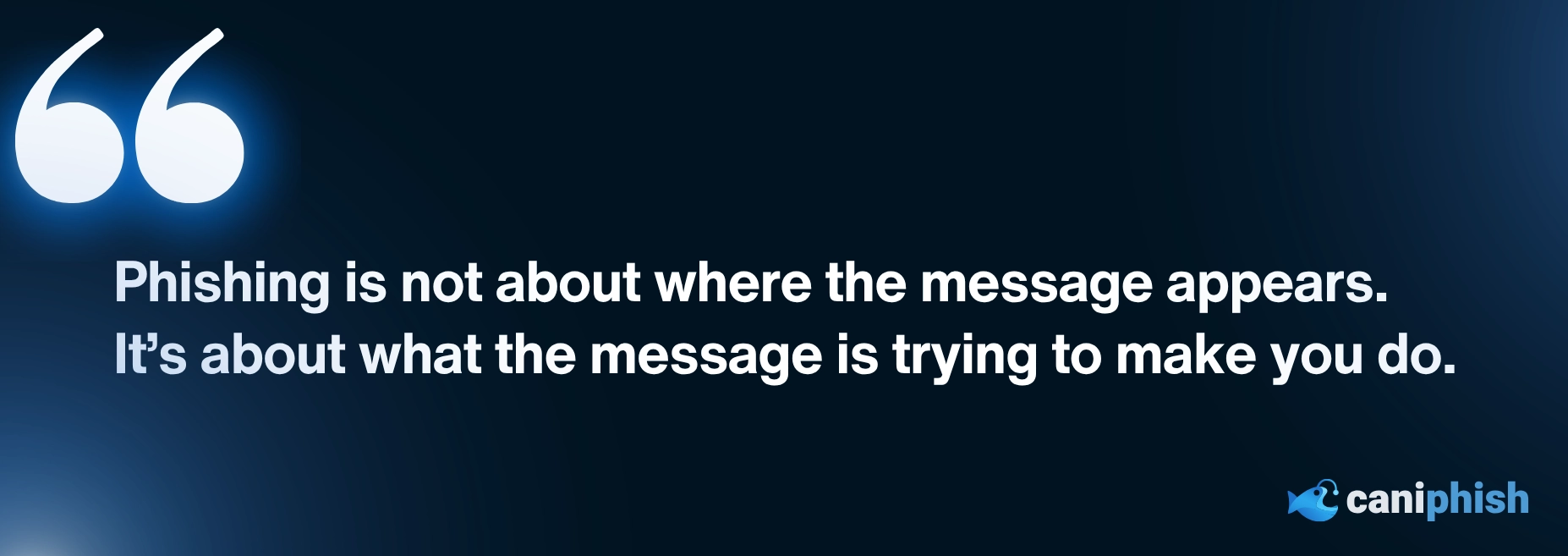
Because phishing is no longer just about where the message lands.
It is about what the message is trying to make you do.

The Top 13 AI Documentaries In 2026
Uncover the dark side of artificial intelligence, minus the Hollywood lasers.
Check out our top picks
An Operations Analyst on a mission to make the internet safer by helping people stay a step ahead of cyber threats.