About the game
Three answers lock every vault. The lamps tell you how many are right, never which.
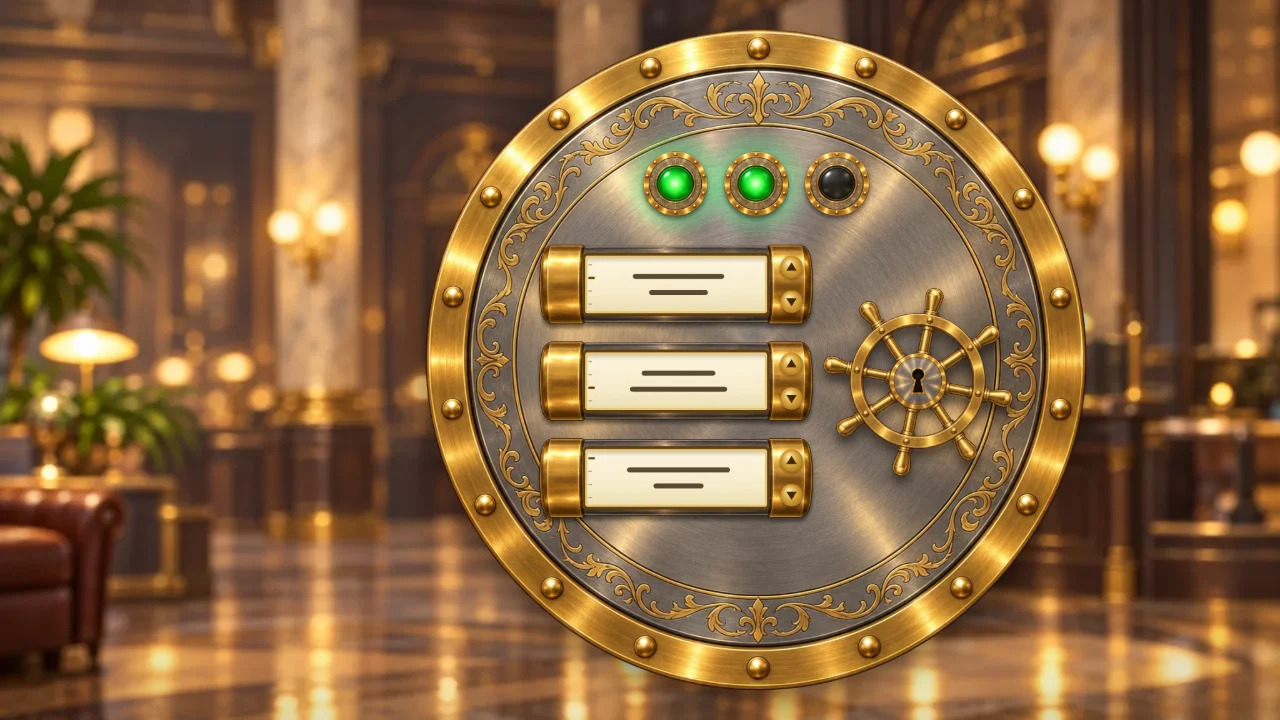
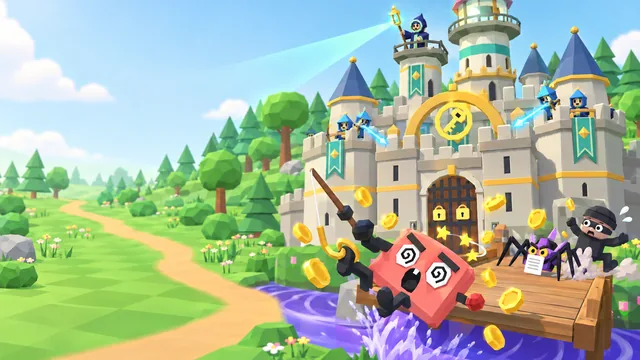
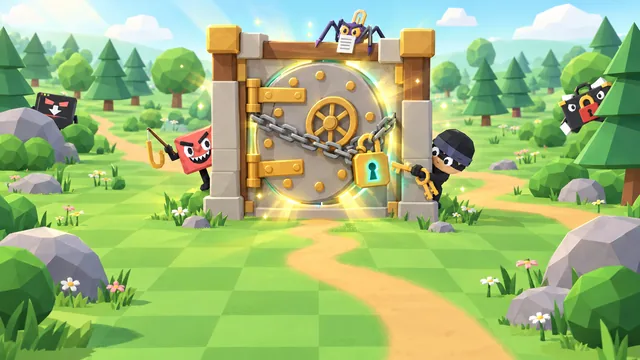
Lockbox is a free cyber security game you play right here in your browser. You stand at the round door of a grand old bank vault in brushed steel and brass. Its three rollers are three security questions, each with four answers to choose from: set an answer on every roller, turn the wheel, and the lamps above the door light up for how many of your answers are right. They always fill from the left, so they never say which.
So you rethink. Keep the answers you're sure of, change one you doubt and try again, with every try written down in the ledger beside the door. The fewer tries you need, the more the vault is worth. When the door swings open, the debrief shows why each right answer works and why each wrong one you tried falls short, and it points out any answer you had right and then changed. A vault still shut after four tries jams, but it opens for its debrief all the same, and the run goes on.
- Genre
- Deduction puzzle
- Play time
- About 12 minutes a run, in one sitting
- Vaults
- 8, from the front door to the keys to the kingdom
- Questions
- 24, three to a vault
- Languages
- 72, pick at the start
- Price
- Free, no sign-up
How to play
Set, turn, rethink
- Press Play. The first vault, Front door, is waiting. Each of its three rollers is a question, and the brass plate beside it says what the question is about.
- Set every roller. Click the arrows on a roller, or scroll or swipe on it, to move to the answer you believe. Or click its window to read the whole question and all four answers, and pick one there. Every roller starts on "Choose an answer", so nothing is picked for you.
- Turn the wheel. The lamps above the door light up for how many answers are right, from none to all three, always filling from the left. Light all three and the vault swings open.
- Rethink and try again. Change at least one roller before the next try: the wheel won't turn for a combination you've already tried. The ledger keeps every try, with the answers you changed marked. After four tries a vault jams for no points, and the run goes on.
- Read the debrief. Every vault ends with why each answer holds. After the eighth, Keys to the kingdom, your results show your score, your rating and every right answer you talked yourself out of. Then claim your spot on the leaderboard.
How your score adds up
Every vault you open scores 1,000 points on your first try, 600 on your second, 350 on your third and 200 on your fourth, and a vault opened on the first try adds a 250 perfect vault bonus. A jammed vault scores nothing. A run you end early with End run or Close game keeps half its score.
Vault open: 1,000, 600, 350 or 200+
250 perfect vault bonus=
Your score
Controls
- Click or tap the arrowsChange a roller's answer
- Scroll or swipe on a rollerMove it one answer at a time
- Click or tap a roller's windowRead the question and all four answers
- Click or tap the wheelTry
- ←→Choose a roller
- ↑↓Change its answer
- SpaceOpen the full list
- EnterTry
- LShow or hide the ledger
Pro tip: Stuck? Change one roller at a time and watch the lamps: if the count goes up or down, that roller made the difference. There's no clock, so read each question in full before you try. End run and Close game end the run at half your score so far, so open all 8 vaults if you're chasing a top spot.
What you'll learn
8 vaults, from the front door to the keys to the kingdom
Each vault has a theme, and the vaults get harder as you go: the first ones cover everyday habits, the last ones the tricks modern scams use. Every question is a moment at work, and after each vault the debrief shows the right answer and why it works, and why each wrong answer you tried falls short. Here is what each vault asks about.
Front door
Passwords, sign-ins and your desk
- A password for a new work account
- A sign-in prompt you didn't start
- Stepping away from your desk
Inbox
Emails, attachments and fake pages
- A "mailbox full" email from IT Support
- An attachment you weren't expecting
- Your password typed into a fake page
Phone
Texts, calls and QR codes
- A missed-delivery text
- A caller from "IT" who wants your code
- A "scan to pay" sticker
Money
Payments, gift cards and invoices
- New bank details from a supplier
- Gift cards for the boss
- An overdue invoice from a company you don't know
Out and about
Wi-Fi, lost devices and prying eyes
- Sending a work file on open cafe Wi-Fi
- A work phone left in a taxi
- A stranger who can see your screen
Sharing
Photos, links and folders
- A desk selfie with your badge in it
- A link sent to the wrong person
- A contractor who asks for the whole folder
Fakes
Voices, robot checks and look-alike pages
- Your manager's voice with an odd request
- A "not a robot" check that asks you to paste
- A sign-in page where your saved password won't fill in
Keys to the kingdom
App access, sign-in floods and linked devices
- An app that wants to read and send your email
- A sign-in prompt you approved by mistake
- A QR code that asks to link a device
FAQ
Lockbox questions
Is Lockbox free to play?
Yes. It is completely free and runs in your web browser, with no download, account or sign-up. You only pick a gamer alias if you want to put a top score on the public leaderboard. Organizations that use CanIPhish can also assign it to employees as security awareness training, with a private company leaderboard.
What does Lockbox teach?
Everyday security habits for work, in 8 vaults that get harder as you go: Front door, Inbox, Phone, Money, Out and about, Sharing, Fakes and Keys to the kingdom. Its 24 questions are moments you meet at work, from a sign-in prompt you never started, a missed-delivery text and a caller who wants your code to new bank details from a supplier, gift cards for the boss, open cafe Wi-Fi, a work phone left in a taxi, a voice that sounds like your manager and an app that asks to read your email. After every vault, each right answer comes with why it works, and every wrong answer you tried comes with why it falls short. The game also points out any answer you had right and then changed, so you see when you talked yourself out of a habit you already knew.
How is my score calculated?
A vault you open on your first try scores 1,000 points, plus a 250 bonus for a perfect vault. Open it on your second try and it scores 600, on your third 350 and on your fourth 200. A vault still shut after 4 tries jams for no points, and the run goes on to the next one. Open all 8 vaults to win, for a top score of 10,000. End run, offered between vaults, or Close game during a run, ends the run at half your score so far. Your best score can go on the leaderboard, which lists the top 50 players of all time.
How long does a game of Lockbox take?
A run of 8 vaults takes about 12 minutes. There is no clock, so take as long as you like to read each question and rethink your answers. A run is played in one sitting, with no saved progress, and every run shuffles the answers on each roller.
What devices and languages does it support?
It runs in any modern browser on desktops, laptops and tablets, and on phones held sideways. Click or tap the arrows on a roller, scroll over it or swipe it up or down to change its answer, or tap its window to read the question and all four answers in full; then click or tap the wheel to try. With a keyboard, the left and right arrows choose a roller, the up and down arrows change its answer, Space opens the full list and Enter tries. You can play in 72 languages: choose yours from the language picker on the title screen.
Using Lockbox for security awareness training at work? Bring it to your team or start a free CanIPhish account.