About the game
One wizard, one wall, a whole botnet
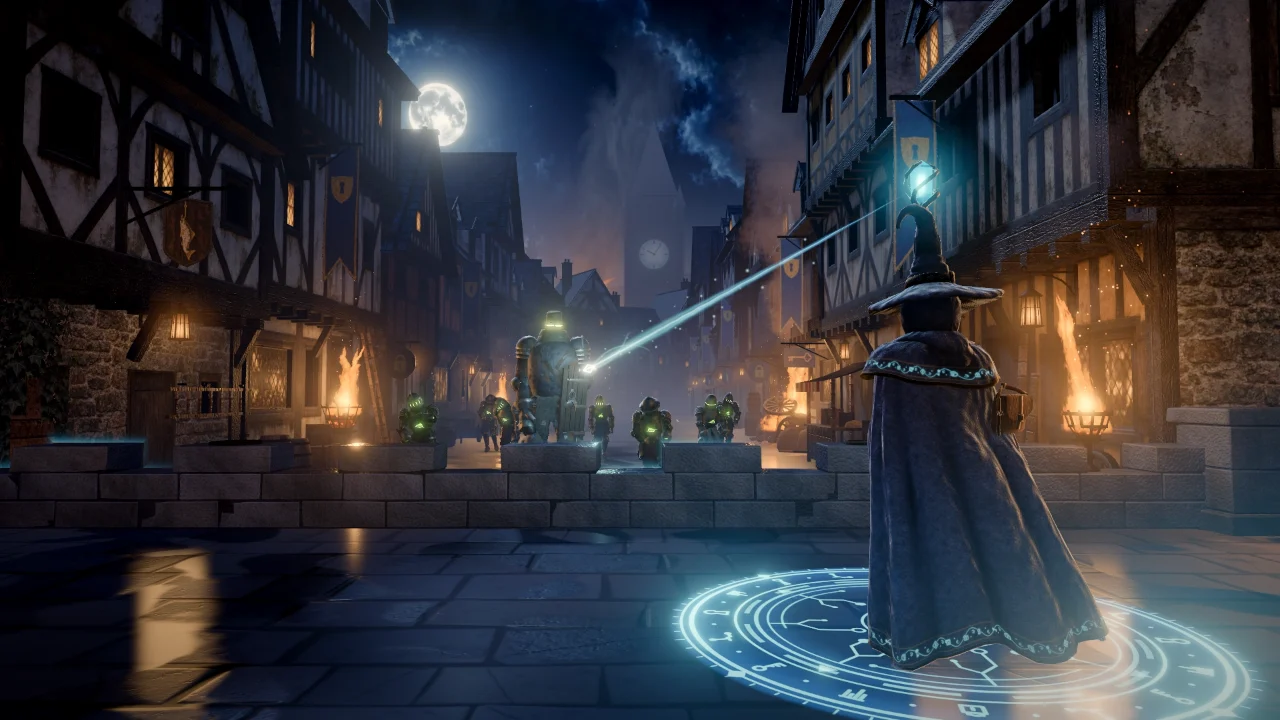
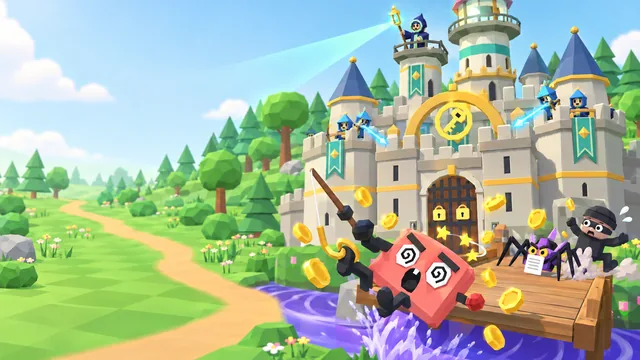
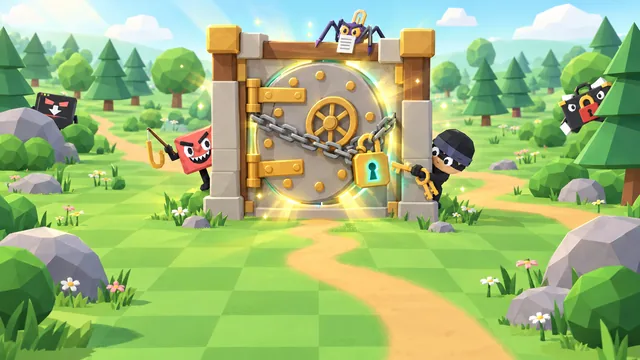
Botnet Siege is a free cyber security game you play right here in your browser. It's night in the walled town of Havengate, and a hex of bad code has woken every empty suit of armor in the old armory: the Botnet. You're the Warden, a wizard of the town watch, alone on the wall in front of the Vault Gate, where the town keeps its records. Hold the wall for 6 waves, until the watch bell rings.
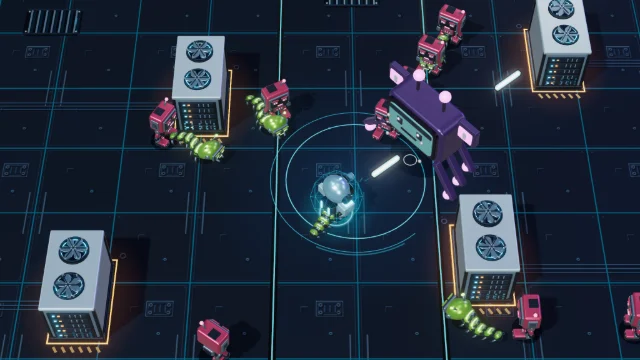
The bots lurch up Gate Street out of the mist, muttering scam lines: slow husks, skittering crawlers and huge brutes with a door for a shield. Every so often a raven drops a bonus scroll. Open it and time slows to a crawl while you answer a real-life security question. Get it right and you choose a boon named after the real defense it stands for, from an Arcane Sentinel that keeps watch like security software to a Firewall across the street, a Honeypot that holds bots in place and a Second Factor that saves the wall once. The bots are hollow: when one falls, it clatters apart into loose plates and a wisp of light.
- Genre
- Siege defense
- Play time
- About 15 minutes a run
- Waves
- 6, until the watch bell rings
- Boons
- 10, each named after a real defense
- Languages
- 72, pick at the start
- Price
- Free, no sign-up
How to play
Aim, cast, hold the wall
- Press Play. The title screen shows the controls for your device. On a computer, Play hands the mouse to the game so it turns your aim; if your browser won't allow that, the game switches to cursor aim, which you can also choose on the title and pause screens.
- Aim and cast. Hold the left mouse button or Space to cast bolts from your staff at the bots coming up the street. Aim for the green glow in a husk's chest or a brute's helmet: a hit there does double damage. Hold the right mouse button for a closer look, and step along the wall with A and D or the arrow keys.
- Open the bonus scroll. When a raven drops a scroll, press E or Enter. Time slows while the scroll is open, and the wall takes no damage. Pick an answer with 1, 2 or 3, or with a click. A right answer lets you choose one of three boons; a wrong one shows the right answer and why, and the question comes back once, later in the run.
- Build your defenses. Boons are allies, obstacles, spells and repairs: an Arcane Sentinel and a Stone Guardian fight beside you, a Firewall, a Honeypot and a Rate Limiter burn, hold and slow the bots in the street, Chain Spark, Ember Blast and Quick Cast power up your staff, and Patch the Wall and a Second Factor keep the wall standing.
- Hold until the bell. Bots that reach the wall strike it, and the run ends if the wall is breached. Clear all 6 waves and the watch bell rings: the gate holds, and you can claim your spot on the leaderboard.
How your score adds up
Your score is 10 points for every husk you break apart, 15 for every crawler and 60 for every brute, plus 100 for every wave you clear and 150 for every right answer (75 on a second try). Hold all 6 waves and the wall you have left adds up to 1,500. A run that ends when the wall is breached keeps its full score; a run you end early with End run, or Close game while it is on, keeps half its score.
10, 15 or 60 × bots+
100 × waves cleared+
150 × right answers+
Wall bonus up to 1,500=
Your score
Keyboard and mouse controls
- Move the mouseAim
- Space or hold the left mouse buttonCast
- Hold the right mouse buttonFocus for a closer look
- AD or ←→Step along the wall
- E or EnterOpen a bonus scroll
- 123Pick an answer or a boon
- EscPause
Pro tip: Answer every scroll you get: boons are the main way to get stronger, and a right answer on the first try is worth 150, twice a second try's. A run that ends when the wall is breached keeps every point, but End run keeps only half its score, so play every run out. On a touch screen, drag anywhere to aim: the staff casts by itself at the bot under your aim, and the Scroll button opens a bonus scroll.
What you'll learn
24 real-life questions, 10 boons
Every bonus scroll asks about one real situation at work or at home, with three possible answers, then explains the right one in a line. A run offers up to 8 scrolls, drawn from 24 questions. And every boon you earn is named after the real defense it stands for, with a line on its card that says what that defense does.
Scams and phishing
Links, texts, QR codes and calls
- Open a site yourself instead of following a link
- Track a delivery in the carrier's own app or site
- Confirm an unusual request through a channel you already use
- Call a supplier on a number you already have before paying new bank details
Passwords and sign-in
Passphrases, managers and prompts
- A long passphrase, for one account only
- Let a password manager remember the rest
- Deny a sign-in prompt you didn't start and tell IT
- Never read out a code sent to your phone
Devices and the office
Updates, USB sticks and doors
- Restart for a security update the same day
- Update from the browser's own menu, never a pop-up
- Hand a found USB stick to IT, unplugged
- Lock your screen every time you walk away
Reporting and privacy
Mistakes, quizzes and Wi-Fi
- Report a suspicious email, even if you didn't click
- Tell IT at once if you clicked, or sent data to the wrong person
- Keep pet names and childhood streets out of online quizzes
- Use your phone's hotspot, not a look-alike Wi-Fi network
Every boon, and the real defense behind it
- Arcane SentinelSecurity software keeps watch day and night. Leave it switched on.
- Stone GuardianAlert colleagues notice what does not belong and speak up.
- FirewallChecks what comes in and turns away what does not belong.
- HoneypotA decoy that wastes an attacker's time.
- Rate LimiterAfter too many wrong guesses, the door locks for a while.
- Chain SparkOne report lets the security team pull the same message from every inbox.
- Ember BlastWarn your team: a scam sent to you was probably sent to them too.
- Quick CastReport fast. The first minutes matter most.
- Patch the WallUpdates close the holes attackers use. Install them when they arrive.
- Second FactorA second factor still stands when a password is stolen.
FAQ
Botnet Siege questions
Is Botnet Siege free to play?
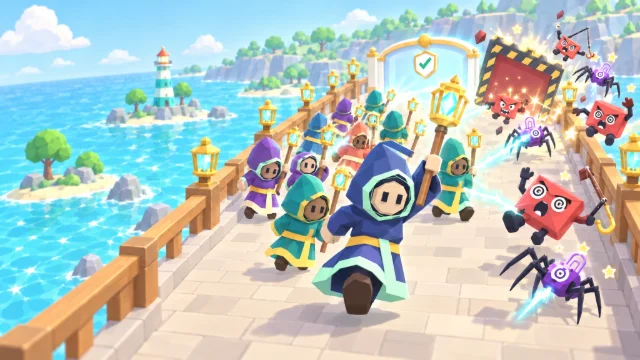
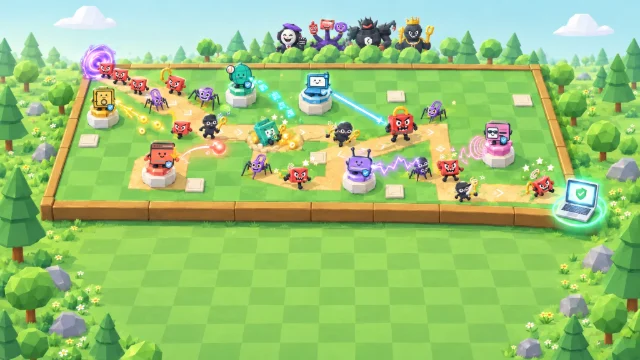
Yes. It is completely free and runs in your web browser, with no download, account or sign-up. You only pick a gamer alias if you want to put a top score on the public leaderboard. Organizations that use CanIPhish can also assign it to employees as security awareness training, with a private company leaderboard.
What does Botnet Siege teach?
Everyday habits that stop scams. Each run offers up to 8 bonus scrolls from 24 real-life questions, from urgent links, gift-card requests and surprise sign-in prompts to unknown USB sticks, tailgating, public Wi-Fi, updates, QR codes, changed bank details and cloned voices. A wrong answer shows the right one and why, and can come back once. Every boon is named after a real defense, from a firewall and a honeypot to installing updates and a second factor.
How is my score calculated?
Every bot you break apart scores 10 for a husk, 15 for a crawler and 60 for a brute. Every wave you clear adds 100 and every right answer 150, or 75 on a second try. Hold the wall through all 6 waves to win, and the wall you have left adds up to 1,500. A run that ends when the wall is breached keeps its full score; end it early (End run, or Close game while a run is on) and it keeps half its points. Your best score can go on the leaderboard, which lists the top 50 players of all time.
How long does a game of Botnet Siege take?
A full run of 6 waves takes about 15 minutes, including your bonus scrolls. While a scroll is open, time slows to a crawl and the wall takes no damage, so you never answer against the clock, and you can pause at any time.
What devices and languages does it support?
It runs in any modern browser with WebGL 2 graphics (hardware acceleration) turned on, on desktops and laptops, and on tablets and phones held sideways, although a larger screen with a mouse is best. Aim with the mouse and hold the left button or Space to cast; Esc frees the mouse and pauses. On a touch screen, drag to aim and the staff casts by itself. You can play in 72 languages: choose yours from the language picker on the title screen.
Using Botnet Siege for security awareness training at work? Bring it to your team or start a free CanIPhish account.