How to Run Effective Phishing Tests for Employees

Most phishing tests don’t fail because the emails are too obvious or the tools are bad.
They fail because they’re poorly designed.
I’ve designed phishing tests for organizations of all sizes, across different industries, maturity levels, and risklevels. Over time, I noticed a pattern. Some tests really change how people think and act. Others quietly cause harm. They can break trust, make people resentful, or give you metrics that look good on a dashboard but don’t reflect real risk.
At the end of the day, a phishing test is a behavioral experiment. Done well, it builds instincts and confidence. Done poorly, it teaches the wrong lessons or turns security into a game of “gotcha!” The long-term effects of those two approaches look very different.
This guide explains what phishing tests really are, how to design and run them properly, and the common mistakes that stop them from working.
The Basics: What Is a Phishing Test
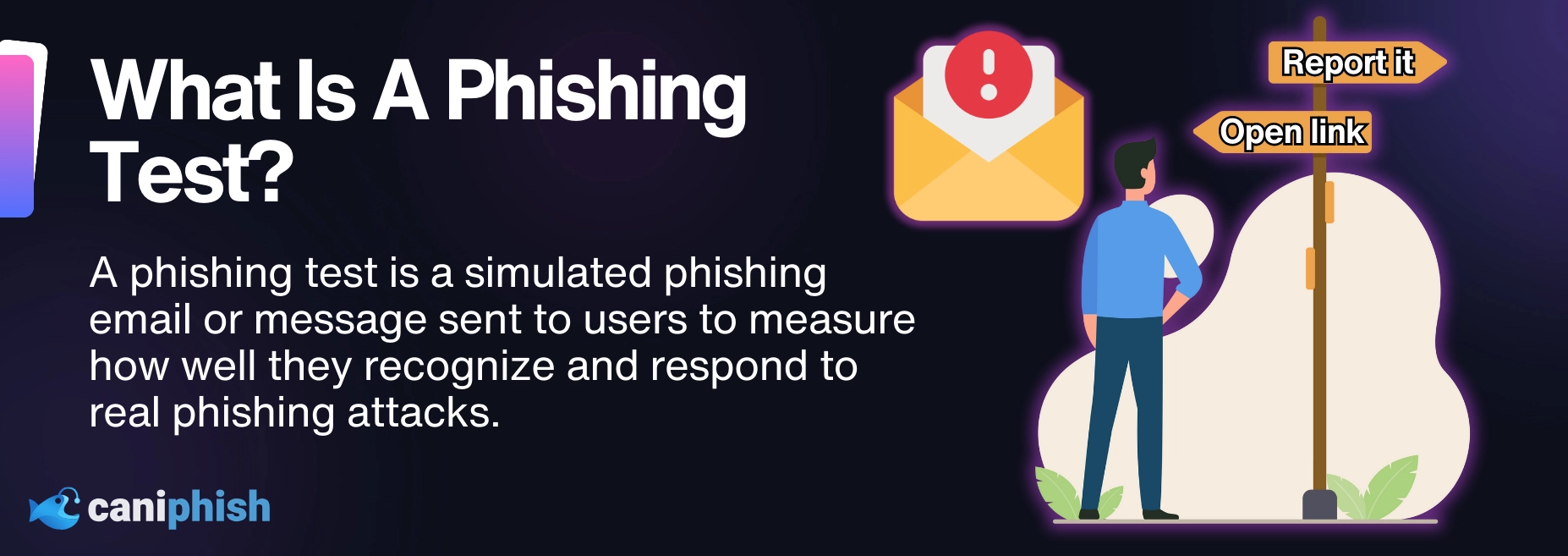
A phishing test for employees, often called a phishing simulation, is a controlled attempt to replicate real-world phishing techniques in order to observe how employees actually behave.
The goal isn’t to trick people for sport. The goal is to answer these questions:
- Do employees recognize suspicious cues?
- Do they pause before acting?
- Do they report potential threats when something feels off?
A well-designed phishing test measures behavior under realistic conditions and uses the outcome to guide training, policy, and risk decisions.
What Most Organizations Get Wrong About Phishing Tests
Across different industries and maturity levels, the same problems show up again and again.
✖They treat phishing tests as a gotcha exercise
Tests designed to embarrass employees may produce high failure rates, but they rarely lead to lasting behavioral change. In many cases, they damage trust and reduce future engagement.
Once trust is dented, it’s slow to recover.
✖They focus on clicks instead of behavior
Clicking a link isn’t checkmate. It’s just the opening move.
What matters is what happens next. Did they enter credentials into a simulated phishing site? Did they stop and report the message? Did they forward it to IT with a note saying it felt off?
If you're only counting clicks, you're missing the behavior that actually signals risk.
✖They run tests without adequate training
Testing people on scenarios they haven’t been taught to recognize almost always backfires.
Instead of resilience, you get frustration. Instead of curiosity, you get disengagement. In environments where this happens repeatedly, phishing tests start to feel arbitrary, and employees stop taking the results seriously.
Awareness can’t be measured before it exists.
✖They don’t close the learning loop
The most valuable moment in a phishing test happens when someone realizes they made a mistake.
Programs that delay feedback or send generic “you failed” messages waste that moment. When feedback arrives late or without context, the emotional impact is gone and the lesson softens.
Over time, this creates what looks like testing activity without learning progress.
Phishing tests work best when they are designed to teach, not to punish.
How to Run a Phishing Test Properly
Running a phishing test is straightforward. Designing one that produces useful insight and improves behavior takes more thought.
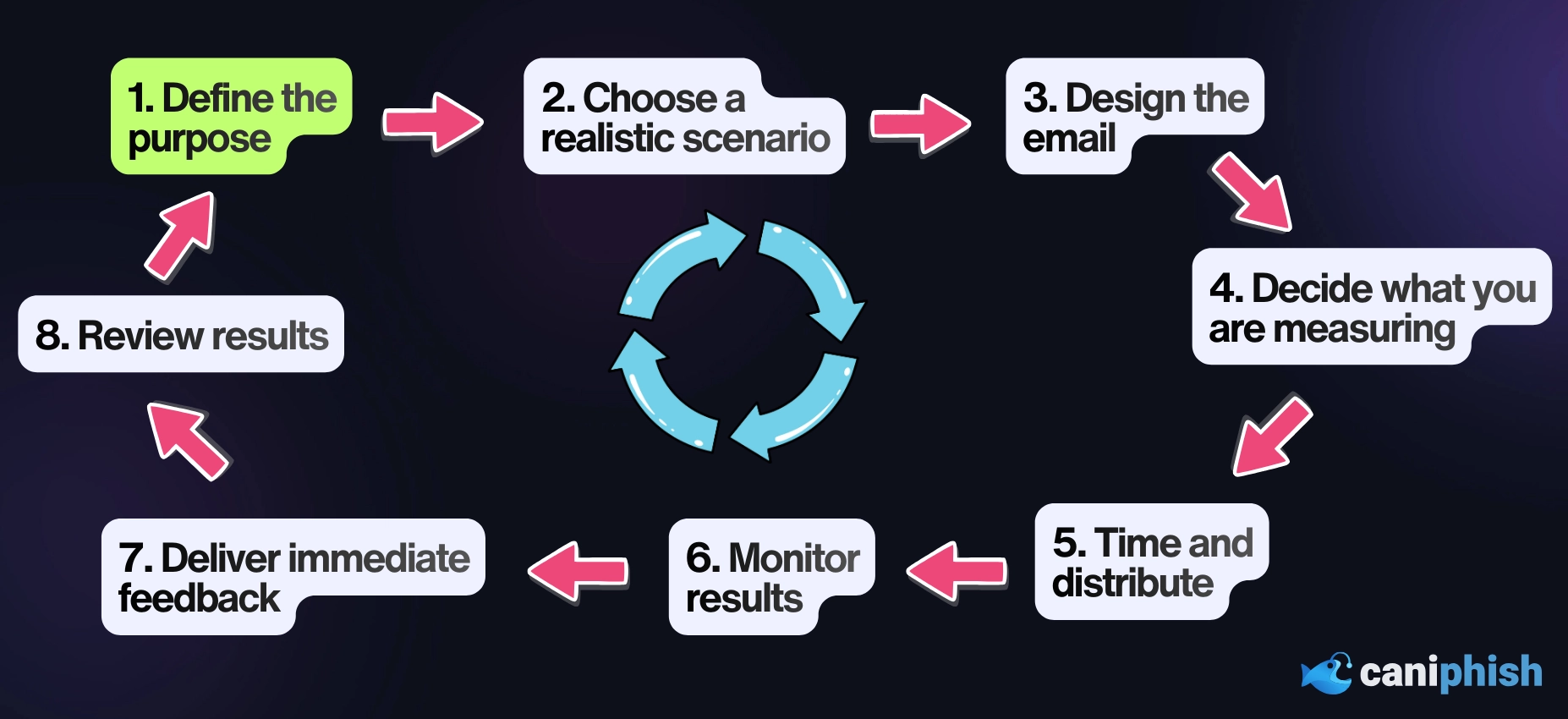
A good phishing test is intentional. It has a clear purpose, a realistic scenario, and a defined learning outcome. The steps below reflect how phishing tests should be designed.
-
Define the purpose of the test
Before you touch a template or write a subject line, be clear on what you’re testing.
Are you establishing a baseline?
Validating recent training?
Introducing a new phishing technique?One of the most common design failures is trying to test everything at once. Broad, unfocused tests often produce confusing results and encourage misleading conclusions.
A useful rule of thumb is this: if you can’t explain the purpose of the test in a single sentence, it is not ready to run.
-
Choose a realistic scenario
Your phishing tests shouldn't be outrageous scenarios. They should mimic threats your team might actually see in the wild. Think password expiry notifications, enticing emails from HR, or fake invoice alerts from known vendors.
It’s a mistake to simply try to come up with the most deceptive email possible. The goal isn’t to maximize deception. The goal is to simulate potential threats and observe how your team reacts.
What you want is a moment of hesitation. That quiet pause where someone thinks, “This feels familiar, but something isn’t right.”
Here's a good litmus test: if a message would reasonably warrant a second look from IT in the real world, it’s usually a strong candidate for testing.
-
Design the email with intent
Every element of the phishing email should earn its place.
Sender name.
Subject line.
Call to action.Each one should contribute to a realistic decision point, not exist to trip someone up.
Overloading a single email with multiple deception techniques is a common mistake. Unless complexity is the point of the test and appropriate for the audience, stacked tricks reduce diagnostic value. When people fail, you can’t tell why.
-
Decide what behavior you are measuring
Not all phishing tests need to measure the same outcome.
Some tests focus on link clicks.
Others measure credential submission.
More mature programmes focus on reporting behaviour.
Clicking a link is not always a failure. What matters is what happens next. Did the employee pause and think twice? Did they report the message?
Decide up front what a "good" outcome looks like.
-
Time and distribute the test carefully
When you send a phishing test, timing matters more than you think.
Blast it out every morning at 9:01 AM? You’ll just create calendar-based phishing awareness. Employees start warning each other, behavior shifts, and “good” results become artificial.
Sending all your emails at once might test a few employees, but many others will be warned before the crucial moment.
Varying timing and cadence helps preserve realism. This mimics what you’d see during a real attack.
-
Monitor results responsibly
Phishing tests generate sensitive data about employee behavior. That data should be handled carefully and with a clear purpose.
Collect only what matters. And steer away from public scoreboards.
The goal of monitoring is to identify patterns, not to single out individuals. Programmes that focus on shaming tend to lose trust quickly and struggle to maintain long-term engagement.
-
Deliver immediate, constructive feedback
When someone realizes they’ve fallen for a simulated attack, that’s your golden moment.
Wait too long, or send a bland “you fell for a phishing” email, and the impact fades.
Effective programs respond quickly with clear, practical guidance. What signals were missed. What should have raised suspicion. What to do differently next time.
Supportive. Practical. Focused on improvement, not blame.
-
Review results and adjust future tests
Every phishing test contains usable insight if you look beyond surface metrics.
Are certain scenarios repeatedly causing trouble?
Are reporting rates trending upward?
Is there a delay between receiving and acting on messages?That hesitation often indicates learning in progress, even if it’s hard to quantify directly.
Programs that evolve based on these observations tend to mature steadily. Programs that simply rerun the same tests rarely do.
-
Repeat with increasing sophistication
Phishing testing is not something you do just once.
As employee awareness improves, tests should evolve. This does not mean making them unfairly difficult. It means introducing new tactics, variations, and contexts that reflect the changing threat landscape.
The objective is sustained vigilance, not perfect scores.
Free vs Paid Phishing Testing Tools
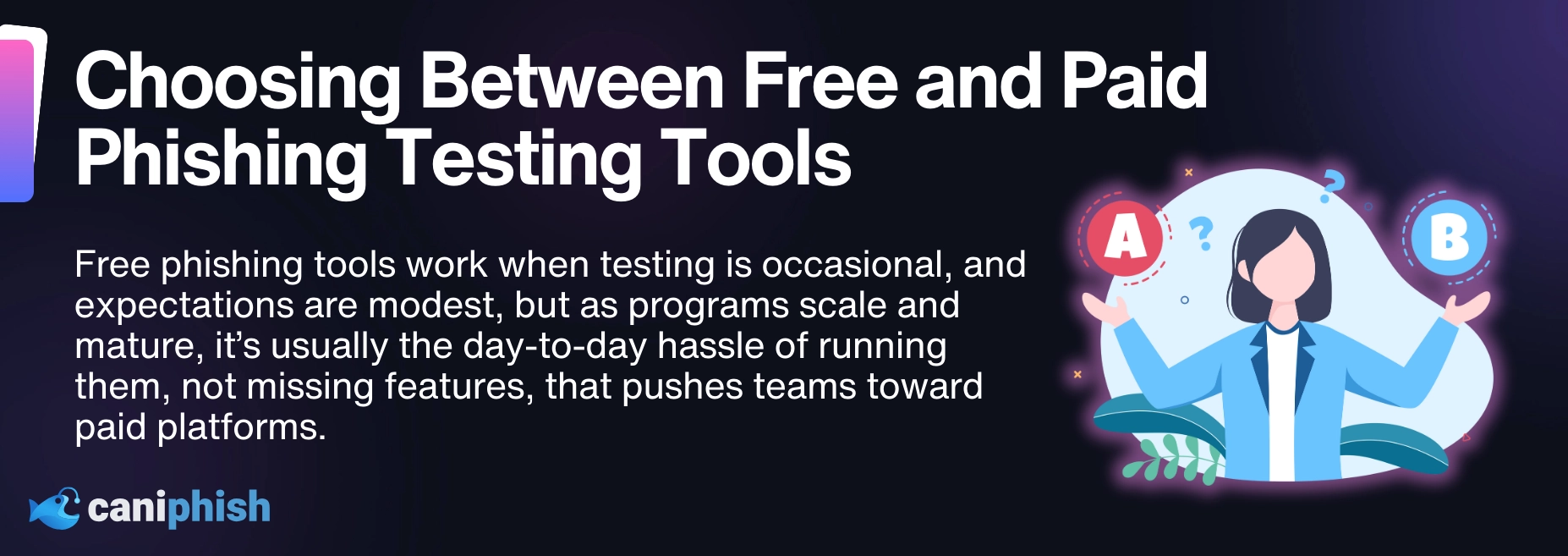
Phishing simulations can be run using both free and paid tools. Neither approach is inherently right or wrong.
The more useful question is when each approach fits.
When free tools make sense
Free tools often work well when experimentation, flexibility, or cost control is the priority.
This category includes open-source platforms, such as Gophish, as well as phishing simulation capabilities bundled into existing security tooling. A common example is Microsoft’s phishing simulation feature, which is included with certain Microsoft 365 Defender and E5 licence types.
They tend to fit when tests are run infrequently, scope is limited, technical resources are available, and basic reporting is sufficient.
The trade-off usually shows up over time. Bundled or open-source tools often have limitations around content variety, reporting granularity, attack channels, supplementary training and long-term programme management. As phishing tactics evolve beyond email into SMS, QR codes, and voice, these limitations can become more pronounced.
When paid platforms make sense
Paid platforms are typically built for scale and consistency.
They reduce operational overhead and make it easier to run regular tests, track trends over time, and integrate training and feedback.
They tend to fit organizations that are running ongoing programs, operating across larger workforces, or needing clearer visibility for leadership and risk decisions.
Cost is the obvious trade-off, and the market varies widely. If you’re looking for a clear breakdown of what you can expect to pay, this guide outlines current pricing ranges for vendors in 2026.
Choosing the right path
There isn’t a universally “right” phishing testing tool. The right fit depends on what you’re trying to achieve and what your organization can realistically support.
Working with customers at CanIPhish, I’ve seen teams run programs on basic, built-in tools for years because their scope was clear and their expectations were modest. I’ve also seen teams move away from those tools when testing became more frequent, reporting needed to show trends over time, or the program expanded beyond simple email scenarios.
In most cases, the shift wasn’t driven by features. It was driven by friction. Manual effort, limited visibility, or difficulty closing the learning loop started to get in the way of running the program well.
What matters most is whether the tool fits how your program actually operates today. When the fit is right, teams tend to focus less on the mechanics of running tests and more on what the results are telling them. When it isn’t, even well-intentioned programs struggle to get past execution.
Learn how much phishing tools cost in 2026
An overview of vendor categories and typical pricing
Read the blog post!Frequently Asked Questions
Should employees be told that phishing tests are being run?
Yes. Employees should be told that phishing testing exists, why it exists, and how results are used. They should not be told when tests will run or what scenarios will be used. Transparency builds trust and improves engagement, while secrecy increases resentment and reduces long-term effectiveness.
How often should phishing tests be run?
Most organizations should run phishing tests monthly. Testing too infrequently reduces awareness, while testing too often makes campaigns predictable and less realistic.
An Operations Manager dedicated to helping you safely swim amongst the internet of phish!