Are you looking for secure ways to use generative AI in 2026?
Generative AI can save plenty of time. But people can also paste sensitive data into it, use tools no one approved, and accidentally give the security team another fire to put out.
In this blog, we're counting down 10 practical techniques that every security-focused team needs to keep AI use safe, compliant, and under control.
Let's dive in.
1. Lock Down Which AI Tools Can Be Used
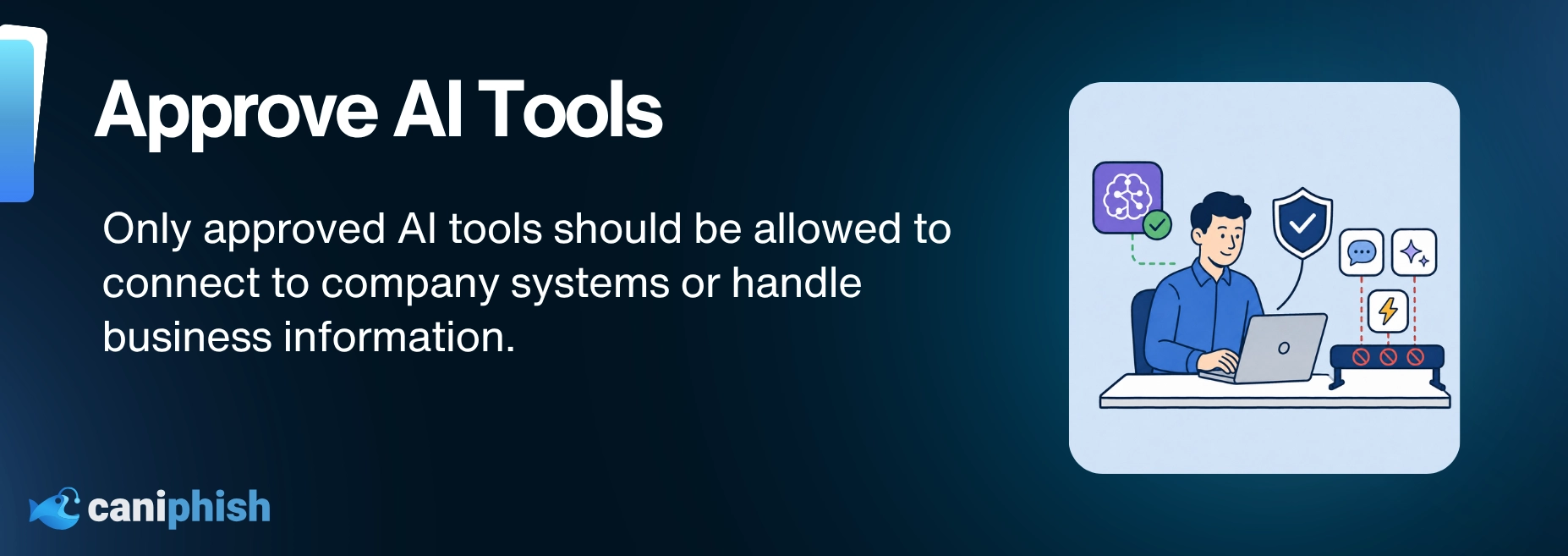
Okay, let's start with the obvious. You can't secure generative AI if you don't know what tools your staff are using.
In 2026, there are hundreds of AI-powered tools out there.
Don't assume staff will stick to approved platforms simply because a policy is in place. If you don't enforce access controls, someone's bound to upload confidential info into the wild west of AI tools.
So what's step one? Lock it down.
Start by defining a clear list of approved AI tools that meet your security, privacy, and compliance requirements. Then use controls like DNS filtering, proxy rules, and endpoint policies to reduce the use of unapproved tools.
The goal is to stop unsanctioned AI apps from creating unnecessary data exposure and security risk.
If a team member uploads sensitive files into a shady AI app with no clear data policy in place, that's not innovation... that's an incident report waiting to happen.
2. Don't Feed The AI Your Crown Jewels
This one sounds like a no-brainer, but it happens all the time.
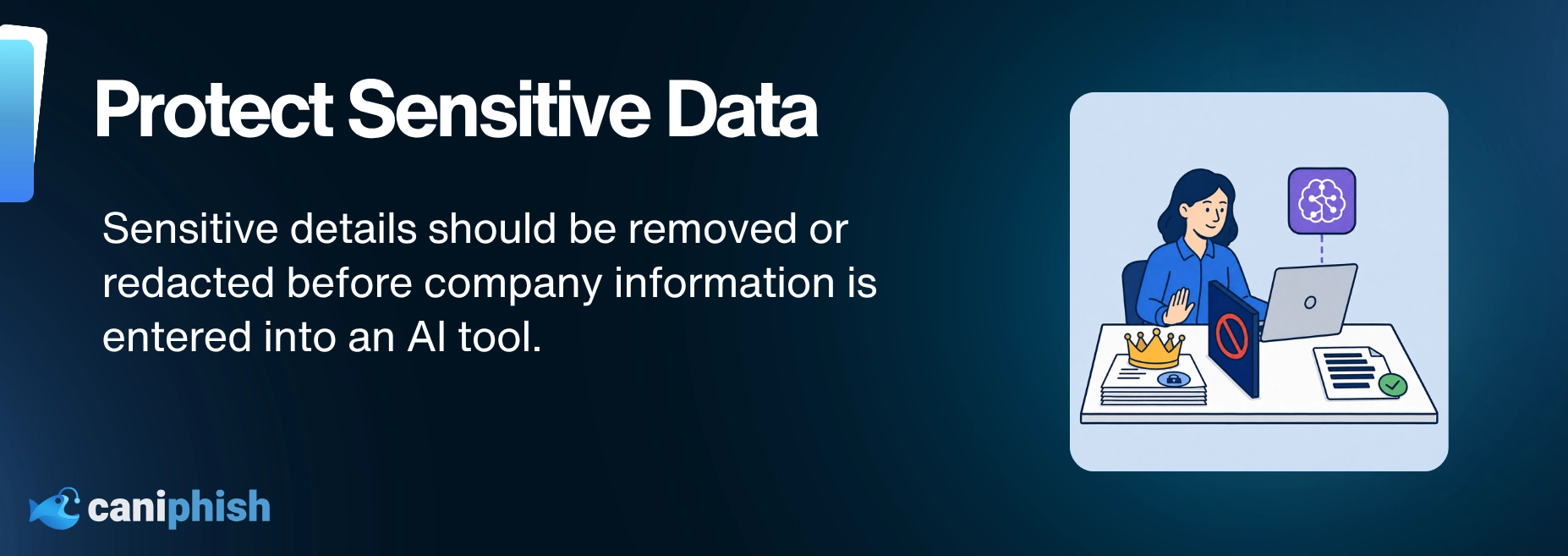
Sensitive company data like source code, financials, customer records, and strategy decks gets casually pasted into AI prompts like it’s a Google search. The problem is that every AI provider handles that information differently. Depending on the tool, plan, and settings, prompts may be stored, reviewed, or used to improve the service.
Before anyone pastes in something sensitive, they need to know where that information goes and how long it stays there. Even if it is not used for training, it could still be exposed through a data breach or misconfiguration.
My advice? Train your staff like this: If you wouldn't post it on a public forum, don't paste it into ChatGPT or some suspicious free tool with an animated robot mascot.
CanIPhish Tip: Redact before you prompt. Remove names, figures, proprietary terms, and basically anything you would not want resurfacing in a competitor’s AI-generated email three months from now.
3. Deploy Private Or On-Prem Where It Matters
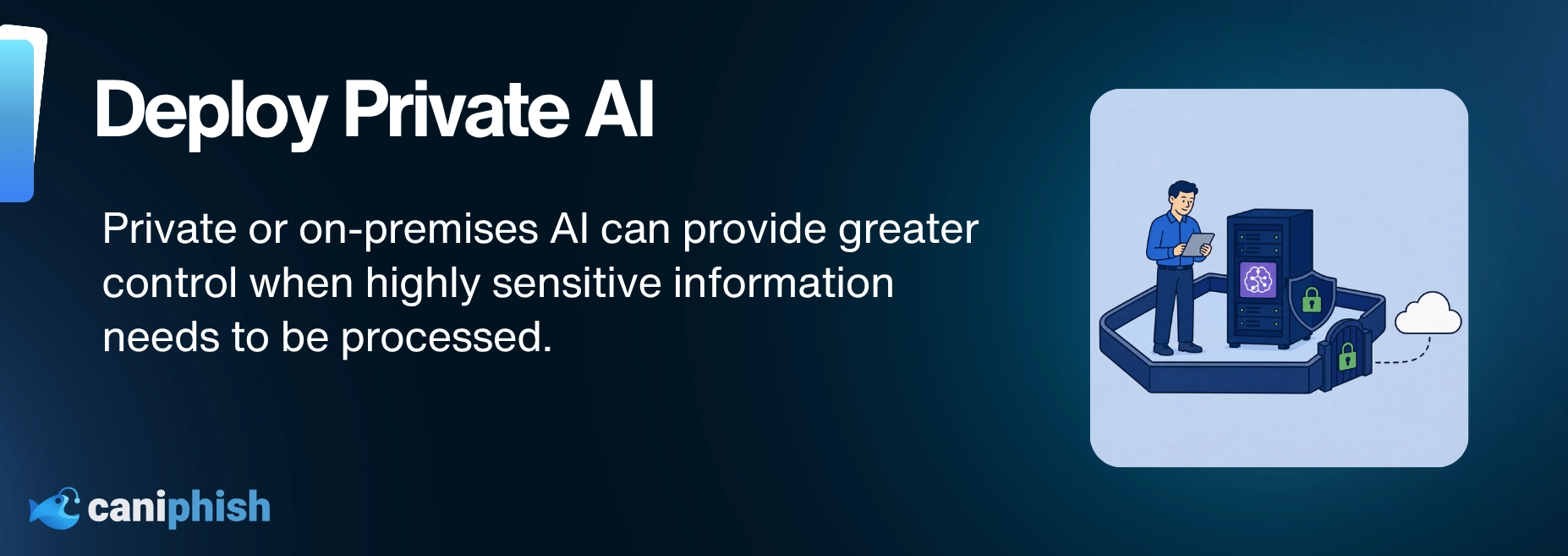
Some data needs a tighter security leash.
Trade secrets, legal contracts, and financial records should not be handed over to any public AI tool without a second thought. For sensitive AI work, some teams choose private cloud or on-premises systems instead.
Why? Because these setups can give teams greater control over where their data lives, who can access it, and how it is processed.
That does not make it risk-free, but it can reduce reliance on third-party defaults and give your team far more control over how sensitive data is handled.
When the data is highly sensitive, the infrastructure should match the risk.
4. Monitor For Shadow AI
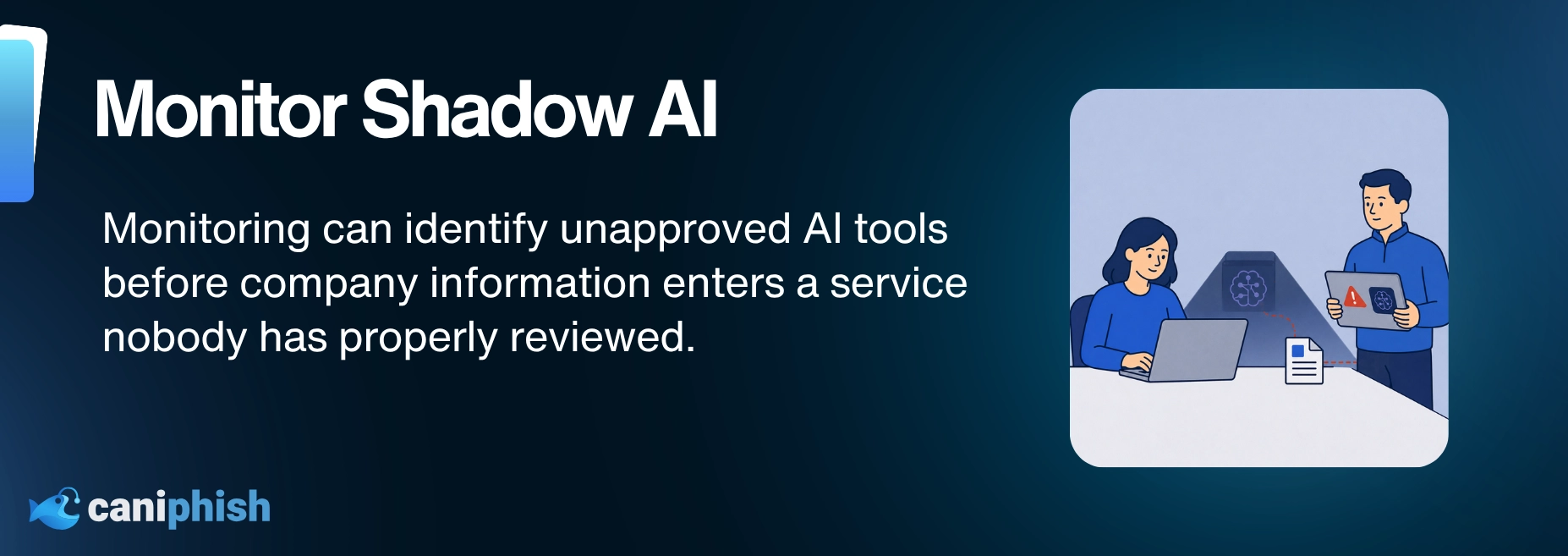
Shadow AI happens when employees use AI tools that the business has not approved or may not even know about.
It often starts innocently. Someone finds a useful chatbot, browser extension, or desktop app and begins using it for work. Before long, company information may be passing through a service that nobody has properly reviewed.
Businesses can look for signs of unapproved AI use in DNS and proxy logs. Endpoint monitoring may also identify unfamiliar AI applications and browser extensions.
Monitoring helps, but employees also need to know which tools are approved and what information must never be entered into them.
The goal is not to stop useful experimentation. It is to prevent company data from disappearing into services nobody has checked.
5. Enforce Role-Based Access And Least Privilege
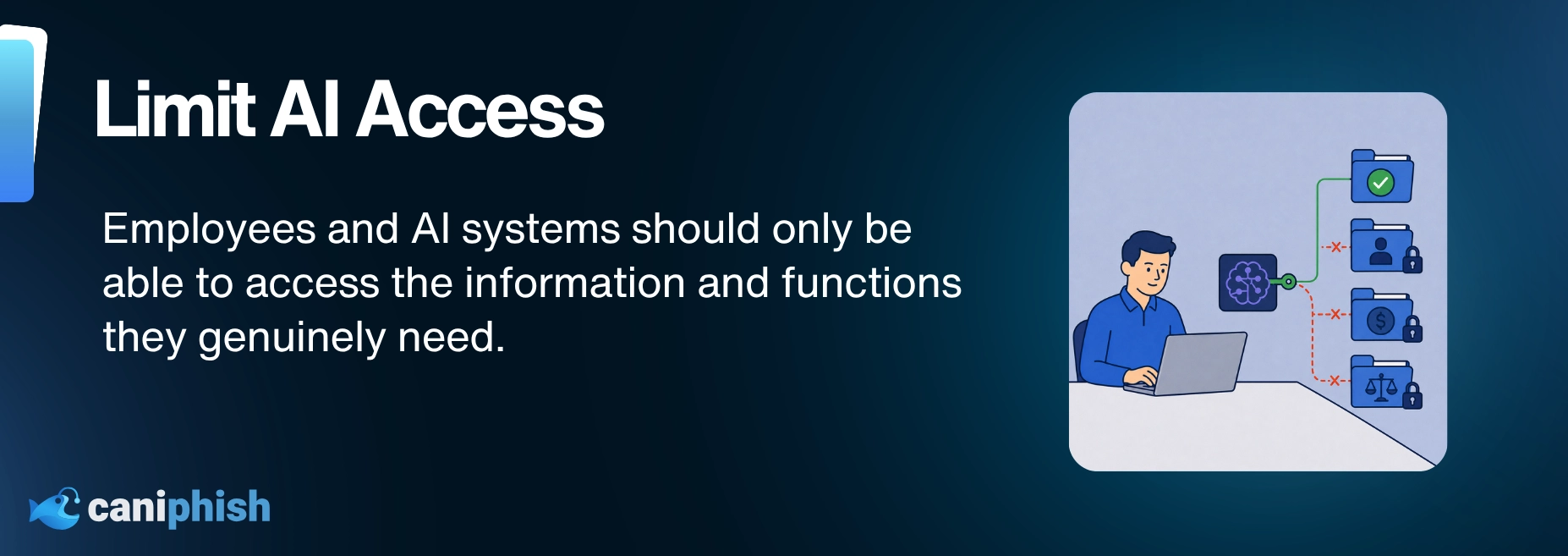
If everyone can access everything, then guess what? So can your problems.
One of the most overlooked risks when using AI tools in the workplace is excessive access.
Give people access to only what they need, and no more. Someone in HR probably does not need access to sensitive threat intelligence. Developers should not automatically have access to HR files, and marketing may not need confidential legal documents.
Treat AI access like a nightclub guest list. If they’re not on it, they don’t get in.
Reinforce the principle of least privilege across AI models, plugins, and integrated data sources. This means giving each person and each AI system only the access they need to do their job, and nothing more.
Because in 2026, one over-permissioned chatbot can cause more damage than people expect.
6. Use Prompt Injection Filtering And Output Scanning
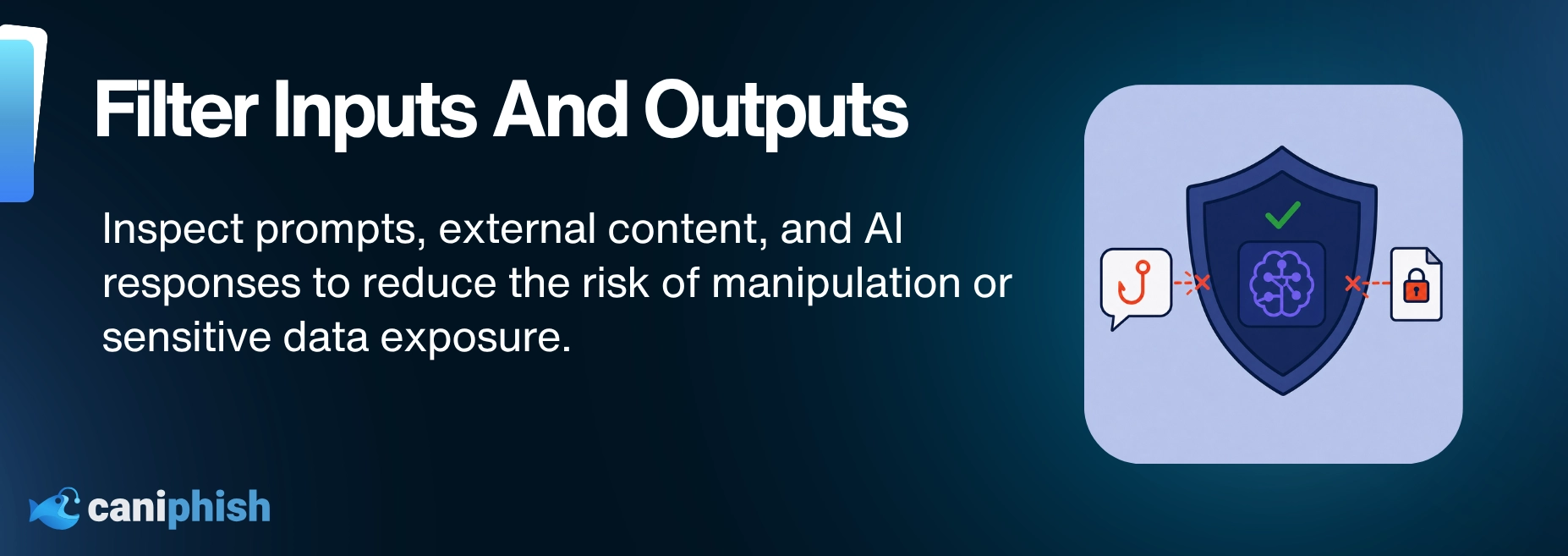
Just because a prompt sounds harmless does not mean it is safe. Attackers can use prompt injection to manipulate an AI tool, potentially causing it to reveal sensitive information, ignore instructions, or behave in ways its developers never intended.
The prompt is only half the problem. A normal request can still produce an answer containing customer details, inappropriate language, or financial information meant for someone else.
Check both sides of the conversation. Filter suspicious prompts going in and scan responses before they reach users or other systems.
These controls can reduce the risk, but they will not catch every prompt-injection attempt.
Skipping this step is like letting someone edit your legal contracts with a magic marker.
7. Create An AI Usage Policy People Will Actually Follow
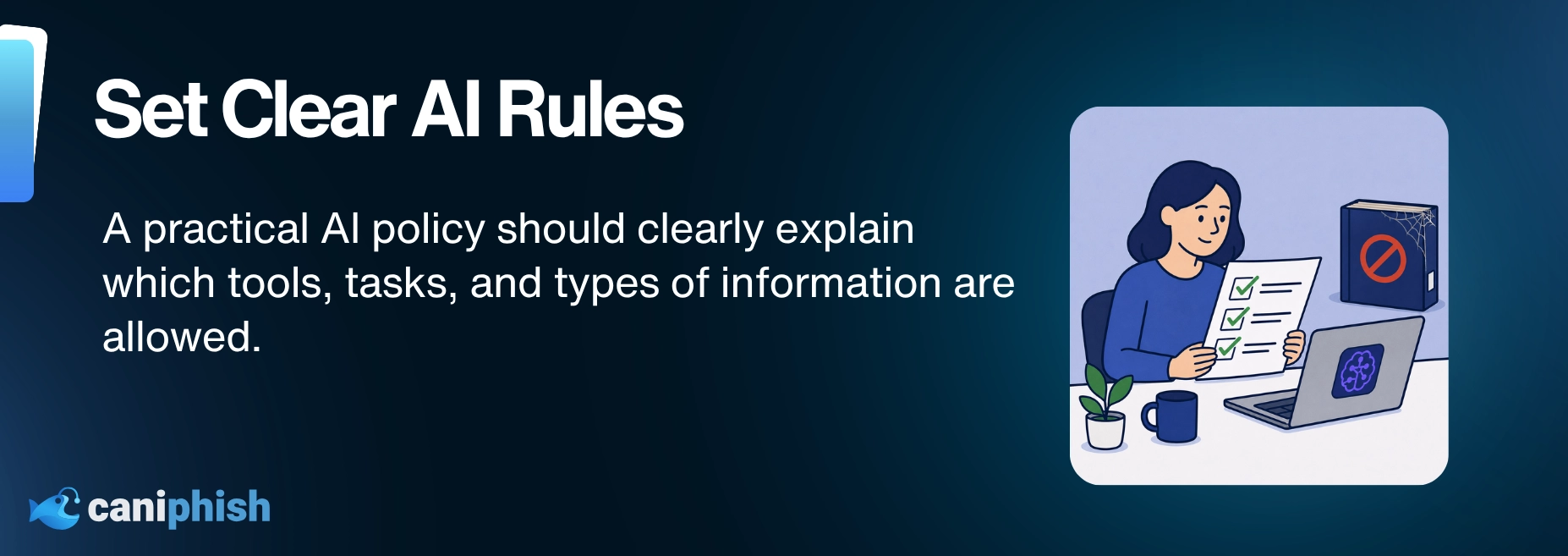
If your AI policy lives in a dusty PDF that no one's ever opened... it's not a policy. It’s a liability.
Every company using generative AI should have a clear, practical AI usage policy that real humans actually read, understand, and follow.
Your AI policy will need regular updates as new tools and risks appear. When something changes, tell your staff. It should clearly explain who can use AI, what they can use it for, what information must stay out, and whether their activity will be logged or reviewed.
Whether your staff are using generative tools for summarizing contracts, writing emails, or creating customer responses... if AI is involved, you need rules in place.
Bake it into onboarding. Review quarterly. Make sure people know where to find it and what it actually means in practice.
The goal is to avoid AI chaos disguised as productivity.
8. Red Team Your AI Workflows
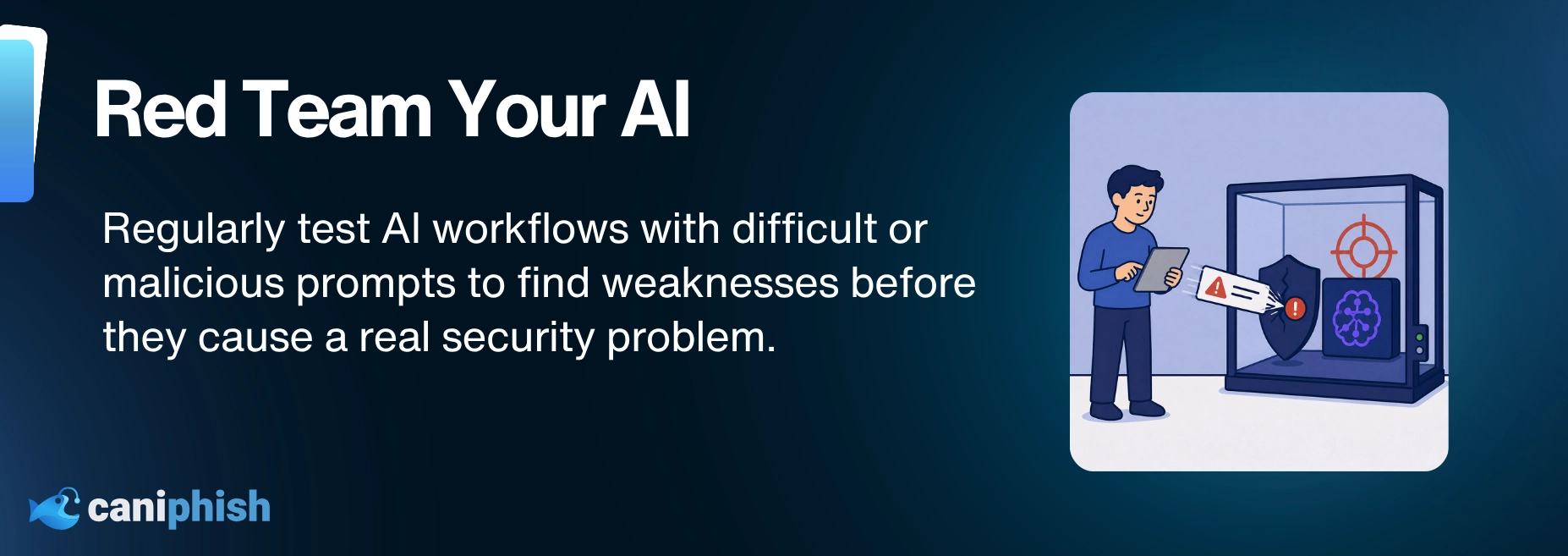
Red teaming isn't just about firewalls and phishing anymore.
If you're deploying GenAI tools that write emails, analyze customer data, or summarize sensitive information, you should be stress testing them first.
The idea is to push the AI and see where it cracks. That could mean using dodgy prompts, trying to make it reveal something private, or asking it to break its own rules. You want to find out what goes wrong before a real user does.
Red teaming isn't just a one-time thing. Make it a routine part of your AI release cycle, especially for anything customer-facing.
Just like you'd pentest a new app before launch, GenAI deserves the same scrutiny.
9. Track Your AI Supply Chain
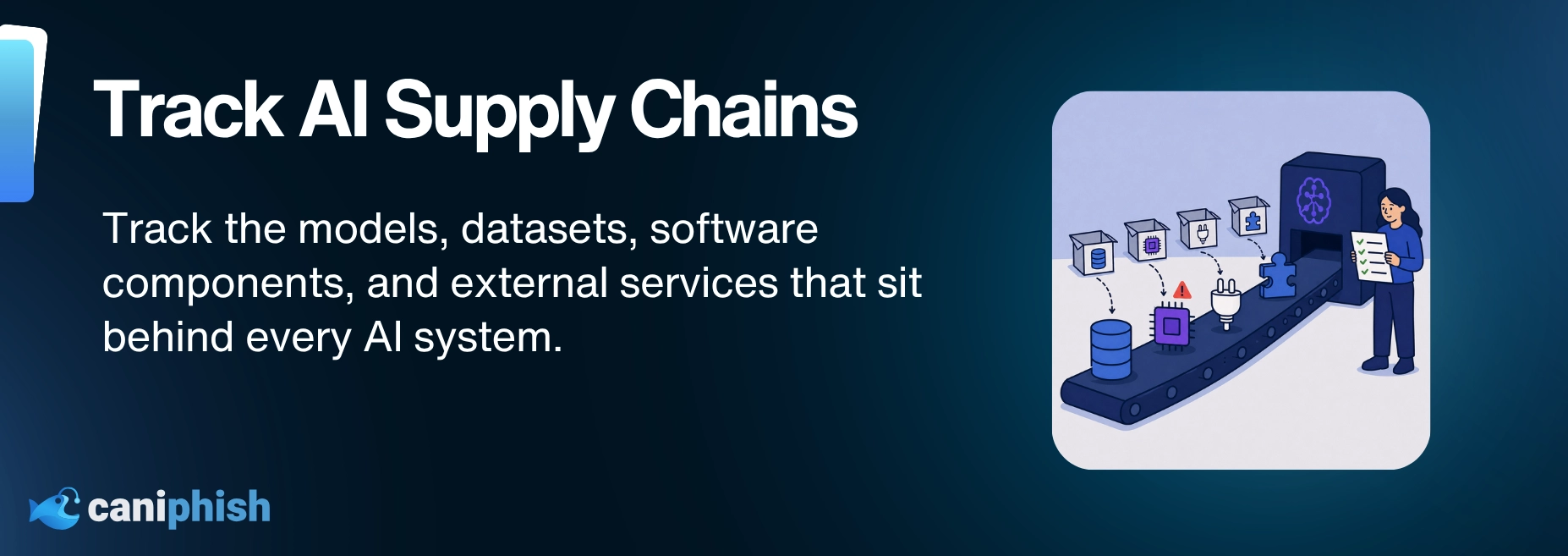
You may know what your AI produces. But do you know what went into building it?
Many organizations now combine AI models with open-source components, external APIs, and pretrained weights from sources they may not have fully checked.
Think of an AI-BOM as an ingredients list. It shows the datasets, model weights, software, and outside services sitting behind your AI. If something turns out to be unsafe or improperly licensed, you know where to look.
AI is no longer built in a vacuum. If you cannot see what your models are made of, you cannot properly secure them.
You would not run software from a mystery USB stick, so do not do it with your AI stack either.
10. Track And Audit AI Activity
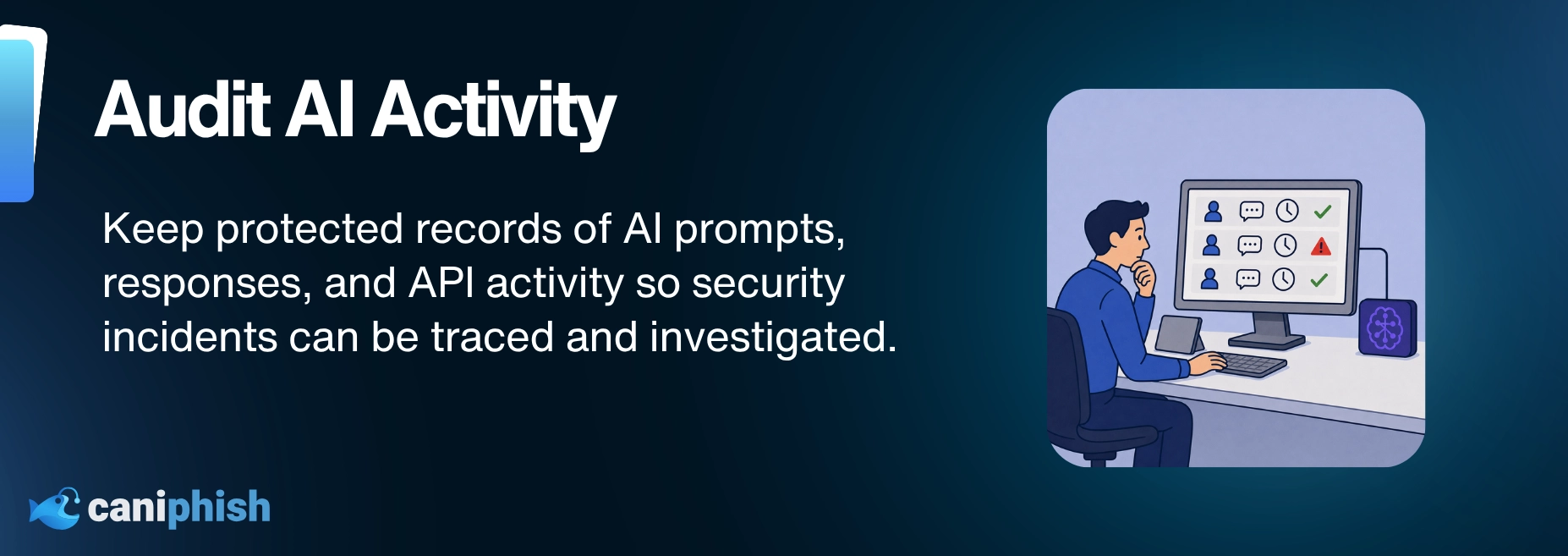
If AI is doing work for your business, you need to keep track of what it is doing. Otherwise, the moment something goes wrong, everyone starts asking questions and no one has the answers.
Prompts, outputs, and API activity should be logged and monitored where appropriate.
The logs should also have access controls and retention limits because they may contain sensitive information.
You want to know who asked what, when, and what the AI's response was. If things go sideways, such as a chatbot oversharing customer information, you are not flying blind.
AI gets things wrong. It can make up facts, misunderstand a request, or access information it had no business touching. Logs help you trace what happened instead of relying on everyone’s memory.
It is basically CCTV for your AI systems. Slightly uncomfortable, but very useful when something goes missing. For legal, healthcare, and finance teams, that record can make a big difference when one bad response causes a much bigger problem.
Wrapping Up
So there you have it.
10 rock-solid techniques to keep your generative AI use from turning into a cybersecurity horror show.
AI is here to stay… let’s be honest, and it's only getting more deeply embedded into the way we work.
It is already baked into our workflows, inboxes, meetings, calendar invites, and more internal tools than most people realize.
Whether you're locking down tools your staff can use or filtering prompts so your chatbots don't go rogue, every one of these techniques adds a layer of security to the madness.
In a world where AI is doing all the talking, you still need to control the script.