The 7 Types Of Phishing Websites

When it comes to phishing, the website behind the link is often where the real damage happens. If you understand the different types of phishing websites cybercriminals use, it becomes much easier to spot what action they're trying to get you to take and avoid falling for it.
In this blog, we'll break down seven types of phishing websites used by attackers. We'll look at what each one is designed to do, how it tricks victims, and the signs that can help you spot it before things go sideways.
1. Credential Harvesting Phishing Websites
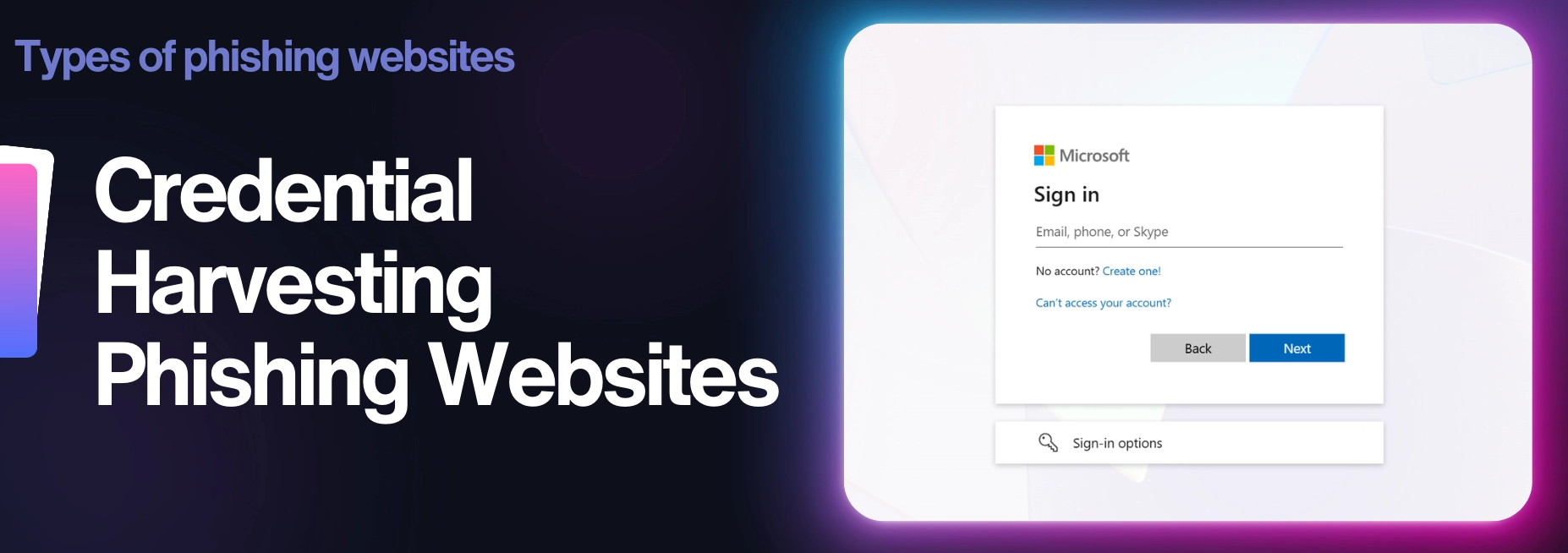
Credential harvesting phishing websites are built to steal usernames and passwords. This is one of the most common types of phishing websites because once an attacker gets your login details, they can use them to get into email accounts, work systems, cloud platforms, banking portals, and a whole lot more.
These websites are usually made to look like real login pages from trusted services such as Microsoft 365, Google, banks, or other work-related systems. They copy the branding, layout, and overall look of the legitimate site closely enough that, at a quick glance, nothing feels off.
Once the victim types in their login details, the attacker captures them, in some cases even capturing MFA tokens if a phishing-resistant MFA method isn't in use. The phishing page then either redirects the user to the real website, or seamlessly establishes a back-end connection to the real website, allowing the attacker to act as a person-in-the-middle, which helps the attacker cover their tracks.
From there, the stolen credentials can be used to access sensitive information, take over accounts, or launch further phishing attacks.
2. Payment Phishing Websites
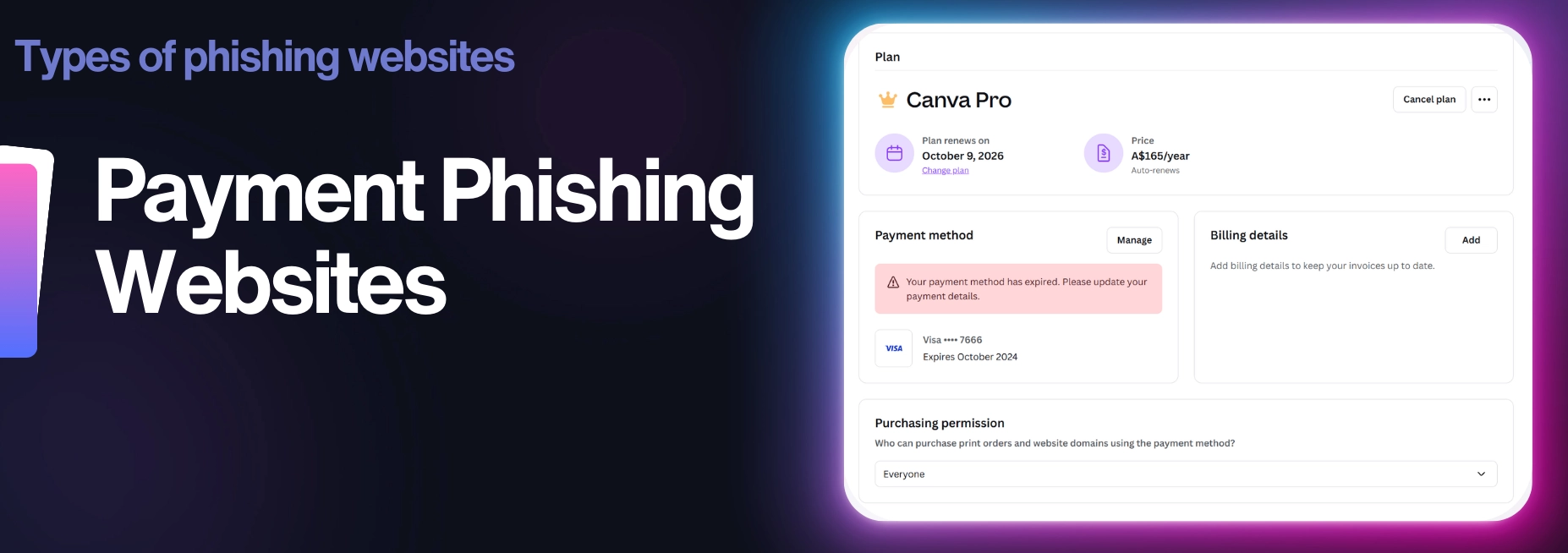
Payment phishing websites are designed to steal financial information. Instead of going for usernames and passwords, these pages aim to get the victim to hand over credit card details, billing info, or other payment data.
They often pretend to be trusted services such as delivery companies, toll operators, subscription platforms, and tax agencies, or online stores. The victim is told something like "there's a small issue that needs to be fixed," such as an unpaid fee, a failed delivery charge, or a billing problem that requires immediate attention.
The website looks like the real one, and the attacker uses pressure to push the user into acting quickly. Once the payment details are entered, that info goes straight to the attacker, who can use it for fraudulent purchases or other financial abuse.
What makes these phishing websites effective is that the request often feels minor. It's not asking for thousands of dollars. It's usually a small charge, and that's exactly what makes people drop their guard.
3. Drive-By Download Phishing Websites
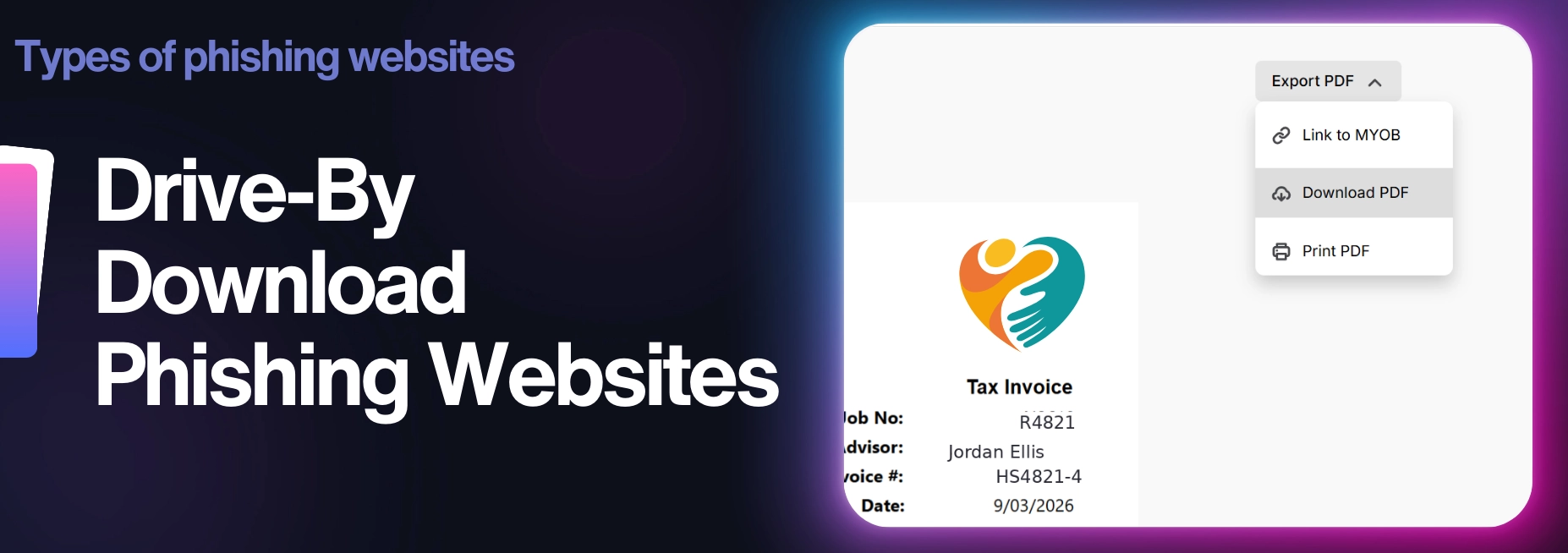
Drive-by phishing websites focus on infecting a victim's device with malware rather than stealing information.
These pages usually trick users into downloading a file that appears to be safe or necessary. The download might be disguised as an invoice, a document, a browser update, or a security check that supposedly needs to be installed before continuing.
Once the file is opened, malware is installed on the device. This can include tools to steal saved credentials through an infostealer, monitor activity through a keylogger, or give the attacker remote access to the system through a remote administration tool (RAT).
In some cases, simply visiting the page can trigger a download attempt or prompt the user to install something that looks legitimate. The goal is to get malicious software onto the victim's computer so attackers can quickly collect information quietly in the background.
4. ClickFix Phishing Websites
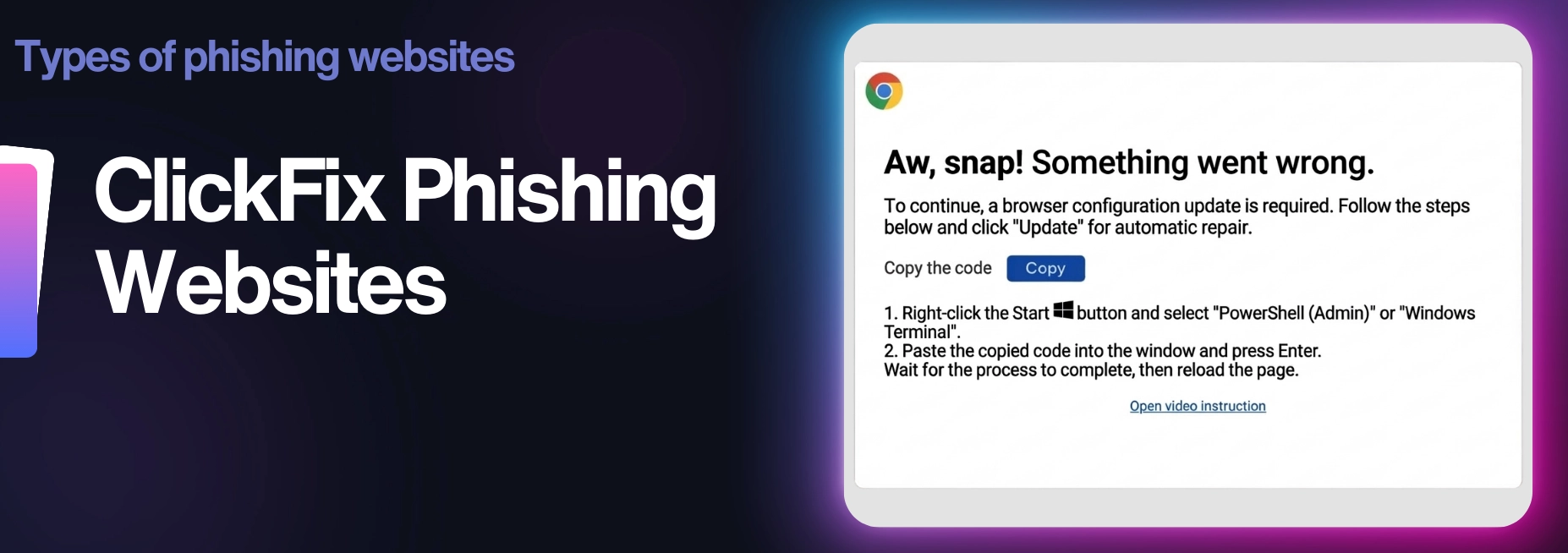
ClickFix phishing websites try to convince victims that something's broken and needs to be fixed before they can continue.
When someone lands on the page, a message pops up claiming there's a problem with their browser, device, or account. The site may say a security check failed, a CAPTCHA verification didn't work, or that the user must complete a quick fix before moving forward.
The page then provides instructions that are simple and helpful. This could involve copying a command into a system tool, running a small script, or installing something that supposedly resolves the issue.
What's really happening is that those steps execute malicious code on the victim's device. Instead of the attacker delivering the malware directly, the user unknowingly runs it themselves.
This technique works surprisingly well because the instructions feel like it's part of a normal troubleshooting process. People believe they are fixing a problem when, in fact, they are giving the attackers access to their system.
5. OAuth Consent Phishing Websites
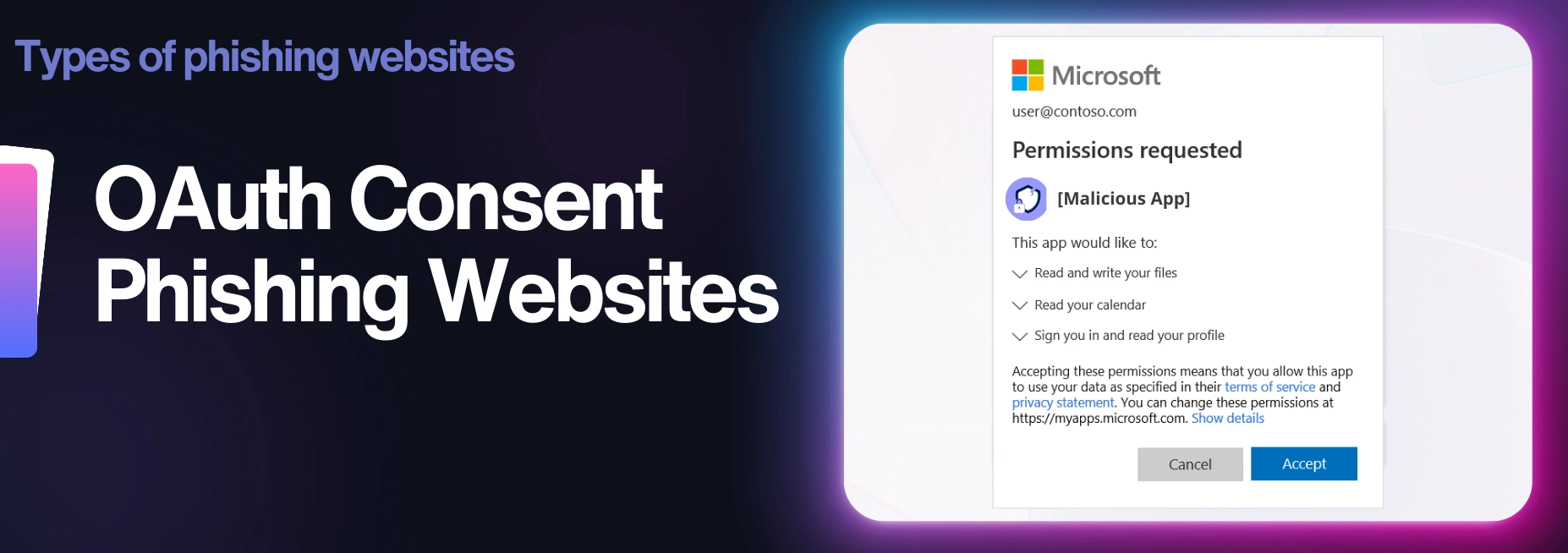
OAuth consent phishing websites trick users into giving a malicious app permission to access their accounts.
Instead of stealing a username and password through a fake login page, these attacks rely on a real permission request. The victim is sent to a page that looks like a normal app connection screen. They use familiar branding from services like Apple or LinkedIn to make it look sincere.
The page asks the user to approve access to things like email, files, contacts, or profile information. If the victim clicks "allow," the attacker can gain access to the approved application without needing to capture the password itself.
That is what makes this type of phishing so sneaky. The user thinks they are connecting to a harmless tool, when they are actually handing over access to their account. These attacks can be especially dangerous because they look legitimate, and in some cases, they can still work even if strong passwords or Multi-Factor-Authentication (MFA) are in place.
6. Browser-In-The-Browser Phishing Websites
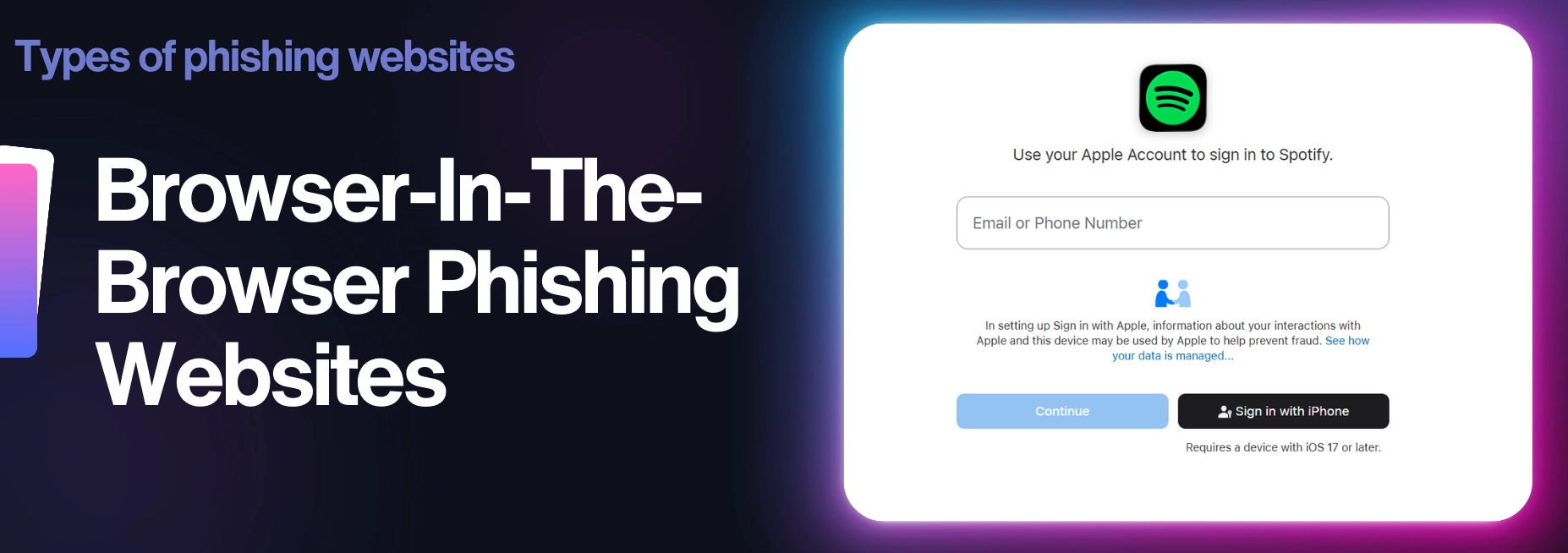
Browser-in-the-browser phishing websites take advantage of something many people trust without thinking about it: login pop-ups from familiar services.
While credential-harvesting attacks rely on fake login pages, browser-in-the-browser attacks take a different approach by mimicking the login pop-up windows people already trust.
Many websites allow users to sign in using accounts from providers like Facebook or Amazon. Normally, clicking one of these options opens a separate login window where the user enters their credentials. Browser-in-the-browser attacks imitate this process. Rather than opening a real authentication window, the phishing site displays a fake pop-up that is almost identical to the genuine login screen.
Because the pop-up appears to come from a trusted provider, victims feel comfortable entering their credentials. In reality, the login form is part of the phishing page itself, and the information entered is sent directly to the attacker.
7. Redirect Hijack Phishing Websites
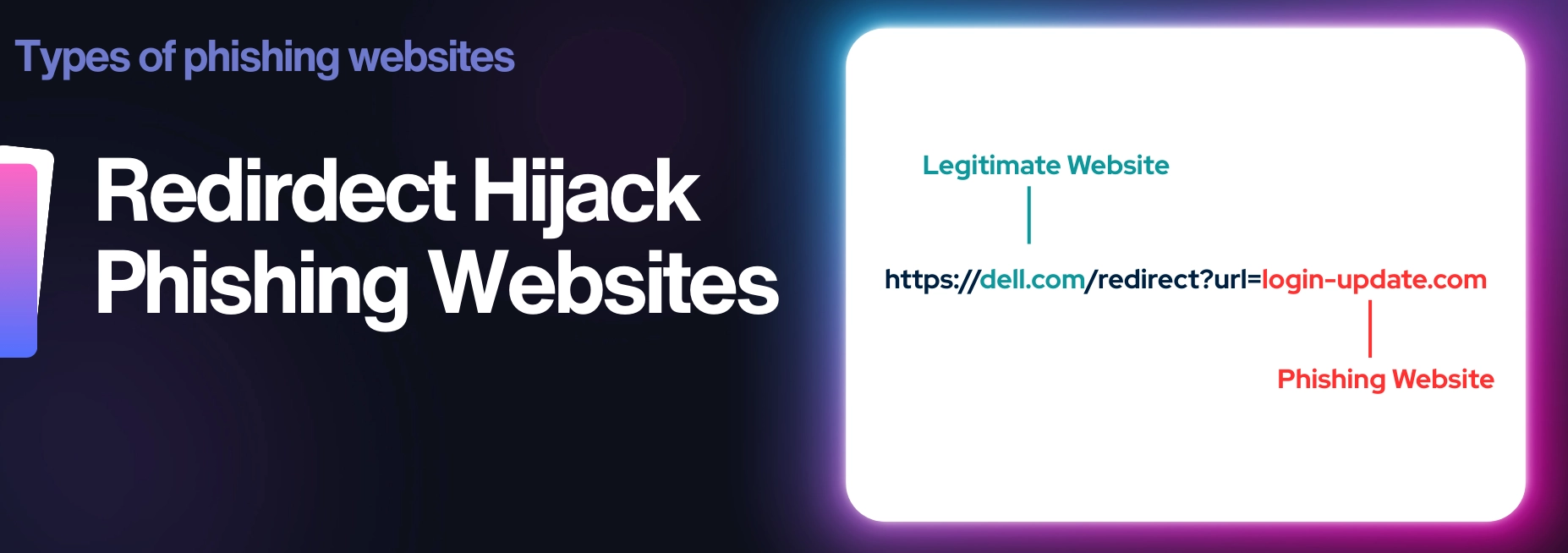
Redirect hijack phishing websites rely on trusted domains to make malicious links appear more genuine.
Instead of sending the victim directly to a phishing site, attackers first send them through a legitimate website that contains an open redirect. This allows the attacker to create a link that starts with a real domain but quietly forwards the visitor to a malicious page.
To the victim, the link can look harmless because the beginning of the URL appears to belong to a known company or trusted service. Because the link begins with a legitimate domain, it can appear more trustworthy to both users and some security filters.
Once the victim clicks the link, the redirect sends them straight to the attacker's phishing website, where the actual trap is. This technique helps attackers hide the link's final destination and increases the chances that the victim will trust it enough to click it.
Wrapping Up
So there you have it.
The seven types of phishing websites that cybercriminals commonly use.
While the message that delivers the link might look different every time, the website behind it usually falls into one of these categories. The tactics keep evolving, but the goal stays the same: get you to trust the page long enough to fall for the bait.
Knowing what these phishing websites look like is one of the simplest ways to avoid becoming the next victim.
When something feels off, pause, take a closer look at the link, and remember that attackers are counting on people to move quickly without thinking.
Don't make it easy for them.

Step Into The Mind Of A Hacker
The Social Engineer is a high-stakes, turn-based cyber game where you play as an up-and-coming criminal mastermind.
Play now!
An Operations Analyst on a mission to make the internet safer by helping people stay a step ahead of cyber threats.